Can I Add Visa Gift Cards To Apple Pay

Hey there, tech-savvy friend! You're probably here because you've got a shiny new Visa gift card burning a hole in your pocket, and you're wondering, "Can I add Visa gift card...

Hey there, tech-savvy friend! You're probably here because you've got a shiny new Visa gift card burning a hole in your pocket, and you're wondering, "Can I add Visa gift cards to Apple Pay?" Well, grab a cuppa, 'cause we're about to dive in and find out!
First Things First: What's Apple Pay?
Alright, let's not assume you're an Apple Pay pro just yet. In a nutshell, Apple Pay is a mobile payment method that lets you make purchases using your iPhone, iPad, Apple Watch, or Mac. It's like having your wallet in your pocket, but without the actual pocket. Fancy, huh?
So, Can I Add Visa Gift Cards to Apple Pay?
You betcha! Apple Pay loves Visa gift cards. Here's how you can add yours:
Must Read
Open the Wallet app on your iPhone or iPad. If you don't have it, download it from the App Store – it's free!
Tap the + button in the upper-right corner. It's like inviting a new friend to the party!
Scan the code on the back of your Visa gift card using your camera, or type in the card details manually. Apple Pay will do its magic and add the card to your Wallet.
But Wait, There's More!
Once your Visa gift card is added, you can use it to make purchases just like any other card in Apple Pay. Tap, pay, and you're done! No more fumbling for cash or remembering those pesky PIN numbers. Isn't technology grand?
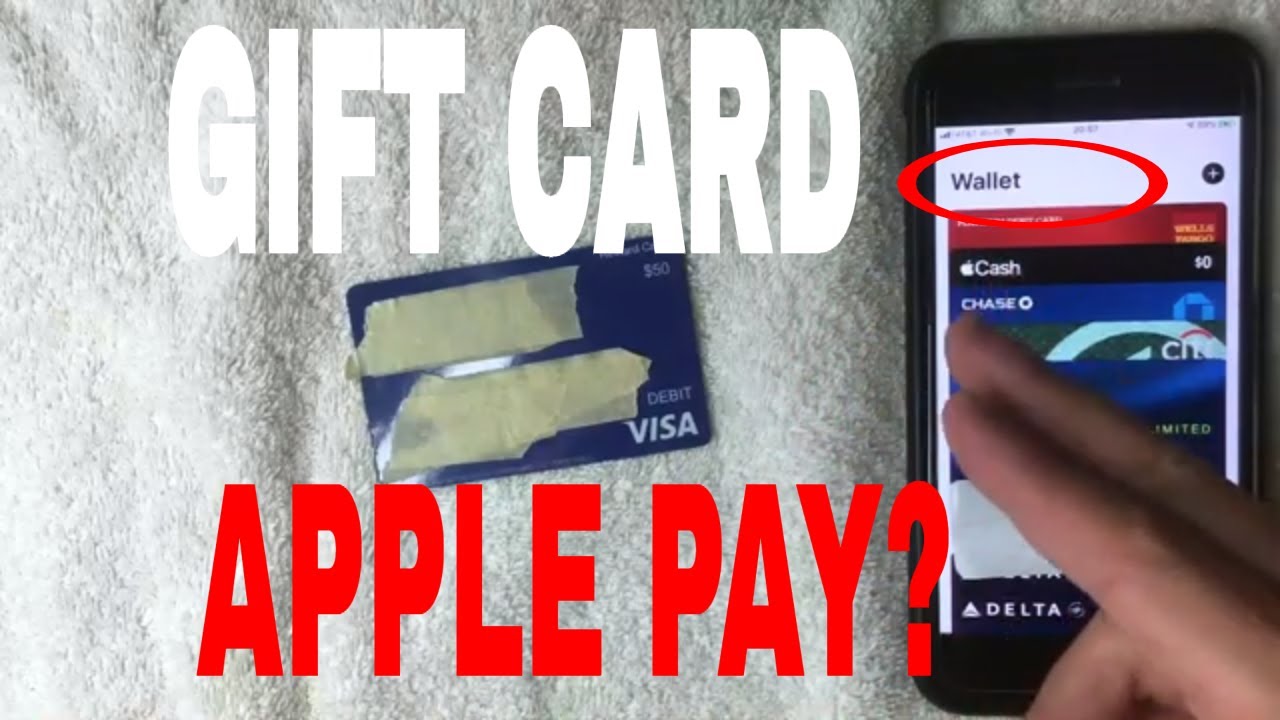 Can You Add Visa Debit Gift Card To Apple Pay Wallet 🔴 - YouTube
What About Security? I Don't Want My Card Details Stolen!
Chillax, my friend! Apple Pay is as secure as a fortress. When you add your card, Apple Pay doesn't store your actual card number on your device or on their servers. Instead, it creates a unique Device Account Number that's encrypted and stored in the Secure Element, a dedicated chip in your device. Even if your phone gets lost or stolen, your card details are safe and sound.
Plus, you can turn on Find My iPhone to locate your device or remotely wipe it if needed. And if you're really paranoid (no judgment here!), you can always use the Lost Mode feature to lock your device and display a custom message with your phone number.
Any Gotchas I Should Know About?
Well, there are a couple of things to keep in mind:
Not all stores accept Apple Pay, so don't be surprised if the cashier gives you a blank stare when you try to pay with your iPhone. But don't worry, you can always use your Visa gift card the old-fashioned way – with that big, clunky thing we call a 'wallet'.
 How to Add A Prepaid Visa Gift Card To Apple Pay - Step by Step (2024
Some banks might have their own rules about using gift cards with Apple Pay. So, it's a good idea to give your bank a quick call to make sure you're all set.
And That's a Wrap!
So there you have it! Adding your Visa gift card to Apple Pay is a breeze, and now you can pay for your morning coffee, lunch, or that shiny new gadget you've had your eye on with just a tap. Isn't life grand when technology makes it easy?
Now go forth, tech-savvy friend, and enjoy the convenience of Apple Pay. And remember, if you ever feel lost in the world of tech, just take a deep breath, and ask yourself, "What would Steve do?" (Probably something amazing, right?)
Stay awesome, and happy tapping!
