How Long Does Battery Last Apple Watch

So, I was out for a run the other day, my new Apple Watch Series 7 strapped to my wrist, tracking my pace, my heart rate, and making me feel like a real-life superhero. I was...
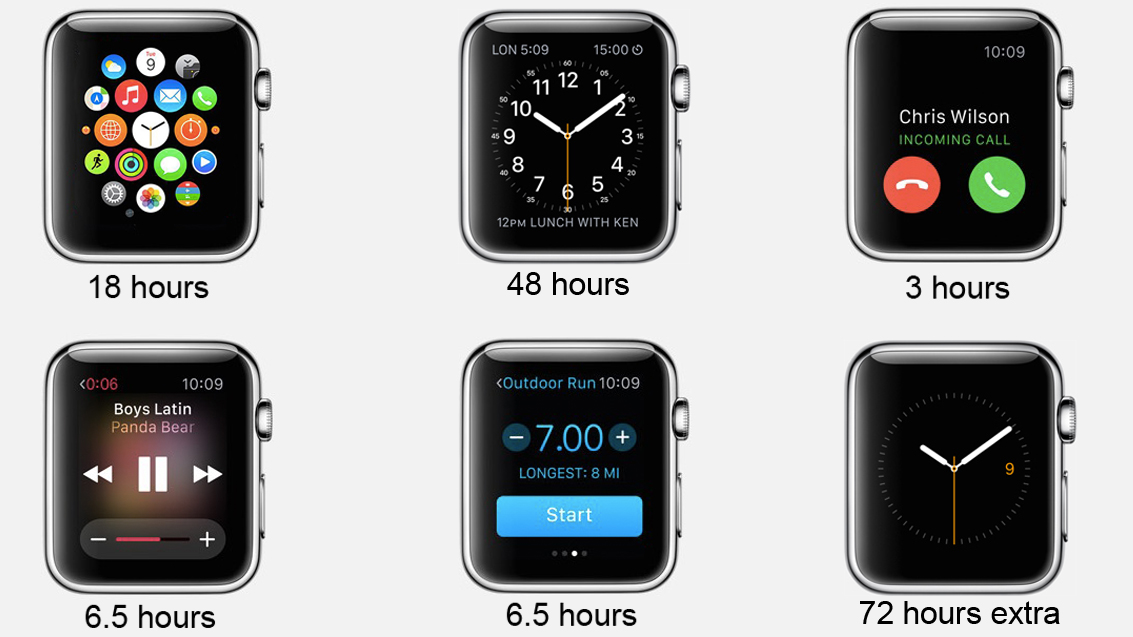
So, I was out for a run the other day, my new Apple Watch Series 7 strapped to my wrist, tracking my pace, my heart rate, and making me feel like a real-life superhero. I was about 3 miles in, feeling pretty good, when suddenly, my watch started flashing. "Low Battery," it said. I mean, really? I'd only had it on for a couple of hours!
Now, I'm not one to skimp on exercise, but I also don't want to be that person who has to cut their workout short because their watch died. So, I started wondering, how long does the battery on an Apple Watch actually last? And more importantly, how can I make it last longer?
Battery Life: The Big Question
Let's dive into the nitty-gritty. The battery life on an Apple Watch can vary depending on what you're using it for. If you're just wearing it to check the time and get notifications, you should be able to get a full day out of it, maybe even a bit more. But if you're using it to track a workout, listen to music, or use GPS, you might find that it doesn't last as long.
Must Read
For instance, Apple claims that the Series 7 can last up to 18 hours with mixed use. But if you're using it for GPS-intensive activities like running or cycling, you might only get around 5 hours. And if you're using it to listen to music or make calls, you could be looking at just 3 hours.
Why Does It Drain So Fast?
Well, friends, it's all about those power-hungry features. GPS, cellular connectivity, and the display are the biggest culprits. The more you use these features, the faster your battery will drain. It's like having a group of friends who are always hungry - they might be fun, but they sure can eat through your snacks fast!
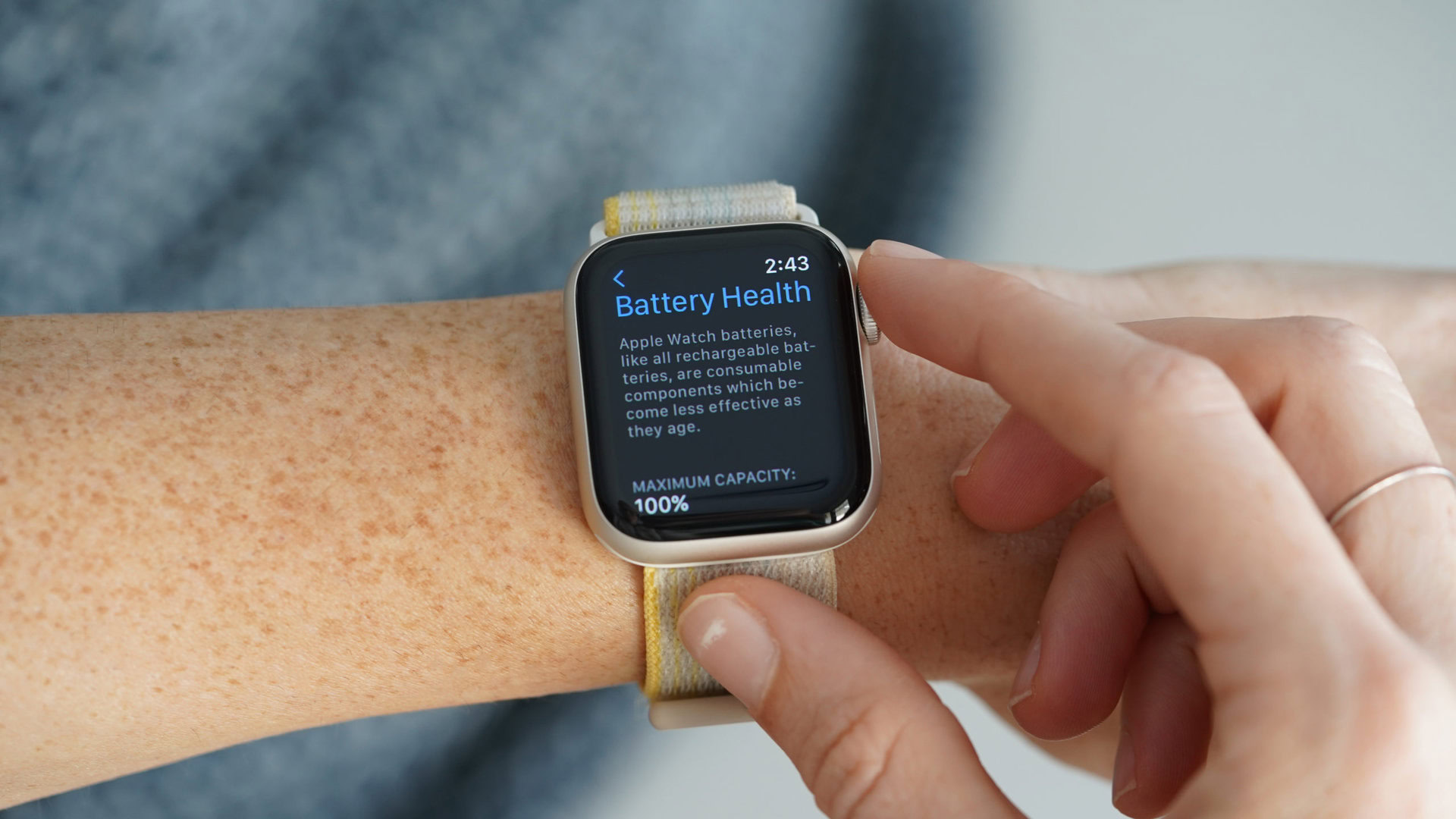 How Long Does A Smart Watch Battery Last
Maximizing Your Battery Life
Now, I'm not saying you should stop using all those cool features. But there are some things you can do to make your battery last longer.
Turn Down the Brightness
Your watch's display is one of the biggest battery drains. So, turning down the brightness can help extend your battery life. You can do this in the Settings app under "Display & Brightness". And if you're in a dark environment, you can turn on "Always On" to make your watch display the time and other important info without using as much power.
Disable Raise to Wake
This feature is handy, but it can also use up battery life. If you find that your watch is lighting up when you don't want it to, you can turn off "Raise to Wake" in the Settings app under "General".
 How Long Does Apple Watch Series 10 Battery Last - YouTube
Use Power Reserve Mode
If you're in a pinch and your battery is running low, you can put your watch into Power Reserve mode. This turns off all non-essential features and extends your battery life. To do this, press and hold the side button until the Power Reserve screen appears.
Keep Your Software Up to Date
Apple regularly releases software updates that can improve your watch's battery life. So, make sure you're keeping your software up to date. You can do this in the Watch app on your iPhone.
Charging: The Other Side of the Coin
Alright, so you've done everything you can to make your battery last longer. But what about when it's time to charge it? Well, the good news is that the Apple Watch charges pretty quickly. A quick 15-minute charge can give you up to 1.5 hours of battery life. And a full charge should take around 2.5 hours.
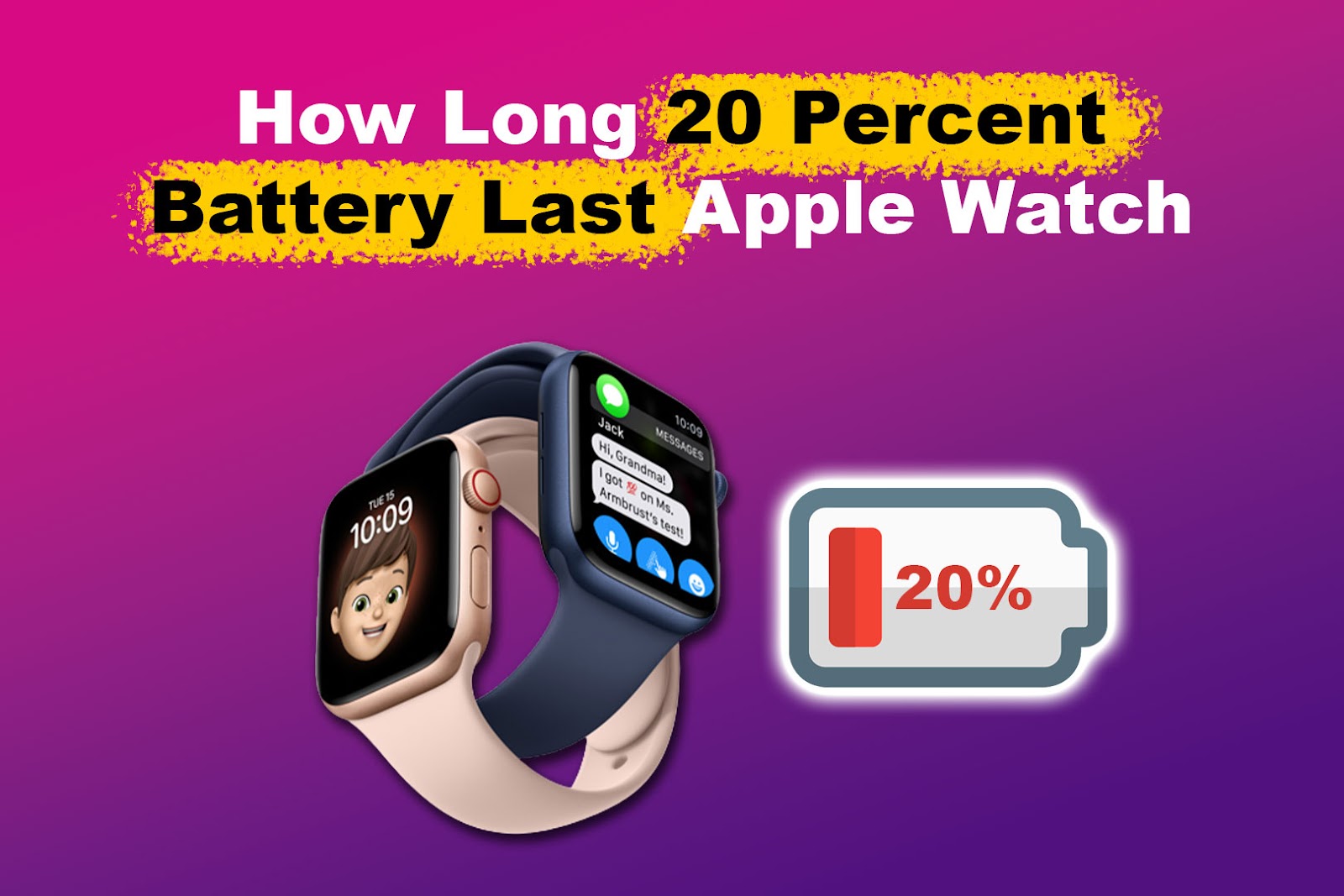 How Long Does 20% Battery Last on Apple Watch? [Find Out!] - Alvaro
But here's a tip: try to avoid charging your watch overnight. Constant charging can degrade your battery faster. Instead, charge it when you're not using it, like when you're at work or asleep.
Final Thoughts
So, there you have it. The Apple Watch's battery life can vary depending on how you use it, but with a bit of tweaking, you can make it last longer. And remember, it's not just about battery life - it's about having the right tools to help you live a healthier, more active life.
Now, if you'll excuse me, I've got a run to finish. Wish me luck - and fingers crossed my watch doesn't die on me again!
