How To Access Photos From Google Photos

Lost Your Snaps? Here's How to Fish 'Em Out of Google Photos! Alright, folks! Let's talk about Google Photos. You know, that magical place where your snaps go to live their b...
Lost Your Snaps? Here's How to Fish 'Em Out of Google Photos!
Alright, folks! Let's talk about Google Photos. You know, that magical place where your snaps go to live their best digital life. It's like the grandma's attic of your photos - a bit cluttered, but full of treasures waiting to be discovered.
First Things First: Loggin' In
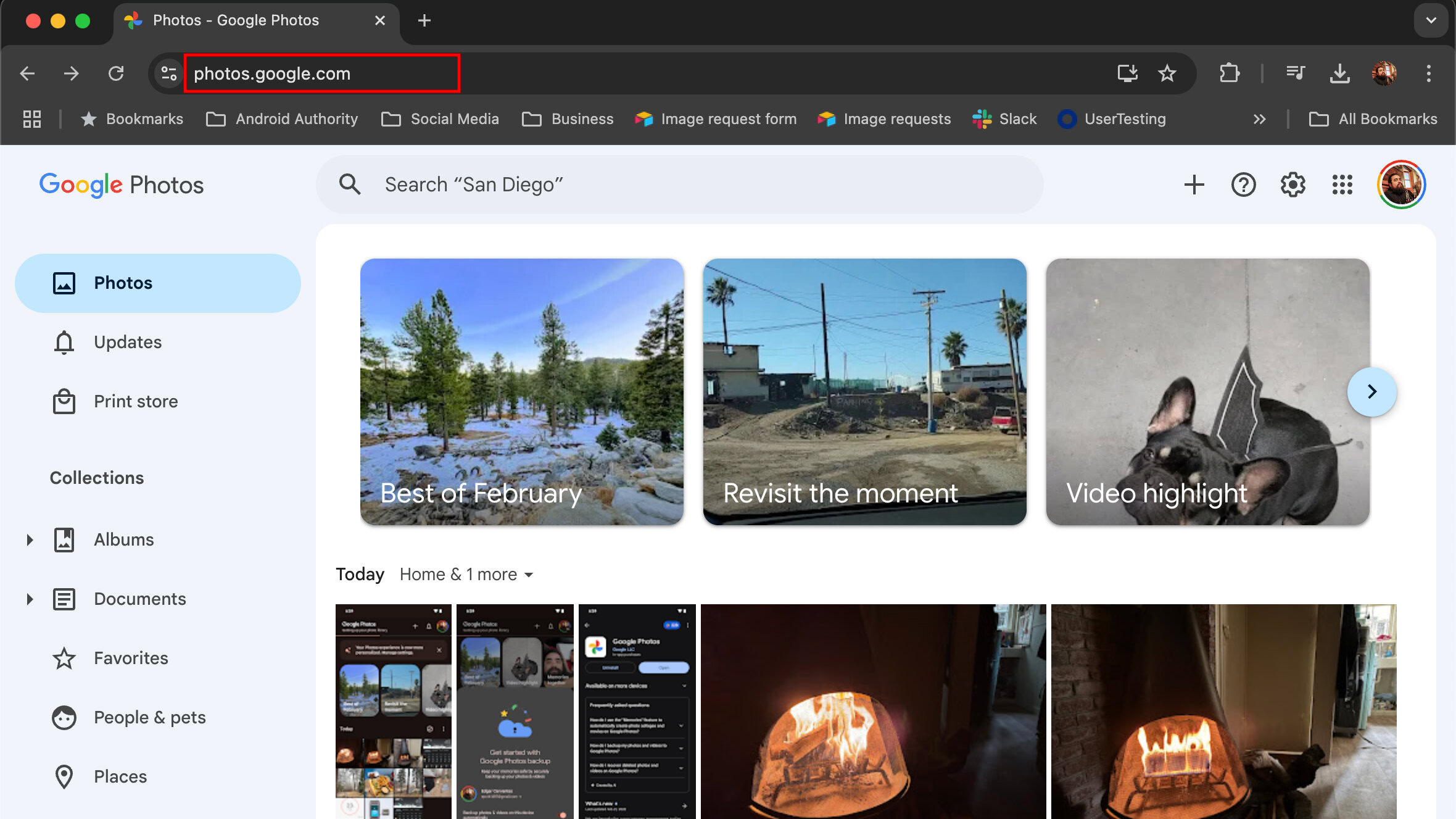
Now, imagine you're at grandma's house, and you've forgotten where you left your favorite action figure. You'd start by walking in the front door, right? Same deal here. To access Google Photos, you gotta log in to your Google account. It's like finding the key to grandma's house - once you've got it, you're golden.
If you're using a computer, just click here and log in. If you're on your phone, open the Google Photos app - it's that colorful, round 'G' icon. Tap on your profile picture, then log in. Easy peasy!
Must Read
Now, Let's Get Searchin'!
So, you've found grandma's house and you're inside. But you've got no idea where your action figure is. Time to start lookin'! In Google Photos, this is where the search bar comes in handy. It's like your trusty flashlight in grandma's attic.
Let's say you're lookin' for a pic of your furry friend, Fido. Just type 'Fido' into the search bar and hit enter. Google Photos will start diggin' through your pics, findin' all the ones with Fido in 'em. It's like having a tiny, tech-savvy dog whisperer on your team!
But wait, there's more! Google Photos isn't just about names. It's smart enough to recognize faces, places, and even what's in your pics. So, if you're lookin' for a pic from your last vacation, just type 'Paris' or 'Eiffel Tower' and watch the magic happen. It's like havin' a personal tour guide in your pocket!
 How to Download All Photos from Google Photos to PC or Mac
Organizin' Your Snaps: Albums and Folders
Alright, so you've found your action figure. But you don't want to lose it again, right? So, you decide to put it somewhere safe. In Google Photos, this is where albums and folders come in.
Think of albums as the clear plastic bins you'd use to store your action figure. They're great for keepin' related pics together. Let's say you've just come back from a road trip. You can create an 'Awesome Road Trip 2022' album and add all your road trip pics to it. Easy peasy!
Now, folders are like the shelves in grandma's attic. They're perfect for keepin' things organized. You can create folders for different events, people, or even just to separate your work pics from your personal ones. And the best part? You can nest folders inside other folders. It's like havin' a whole shelf system in your pocket!
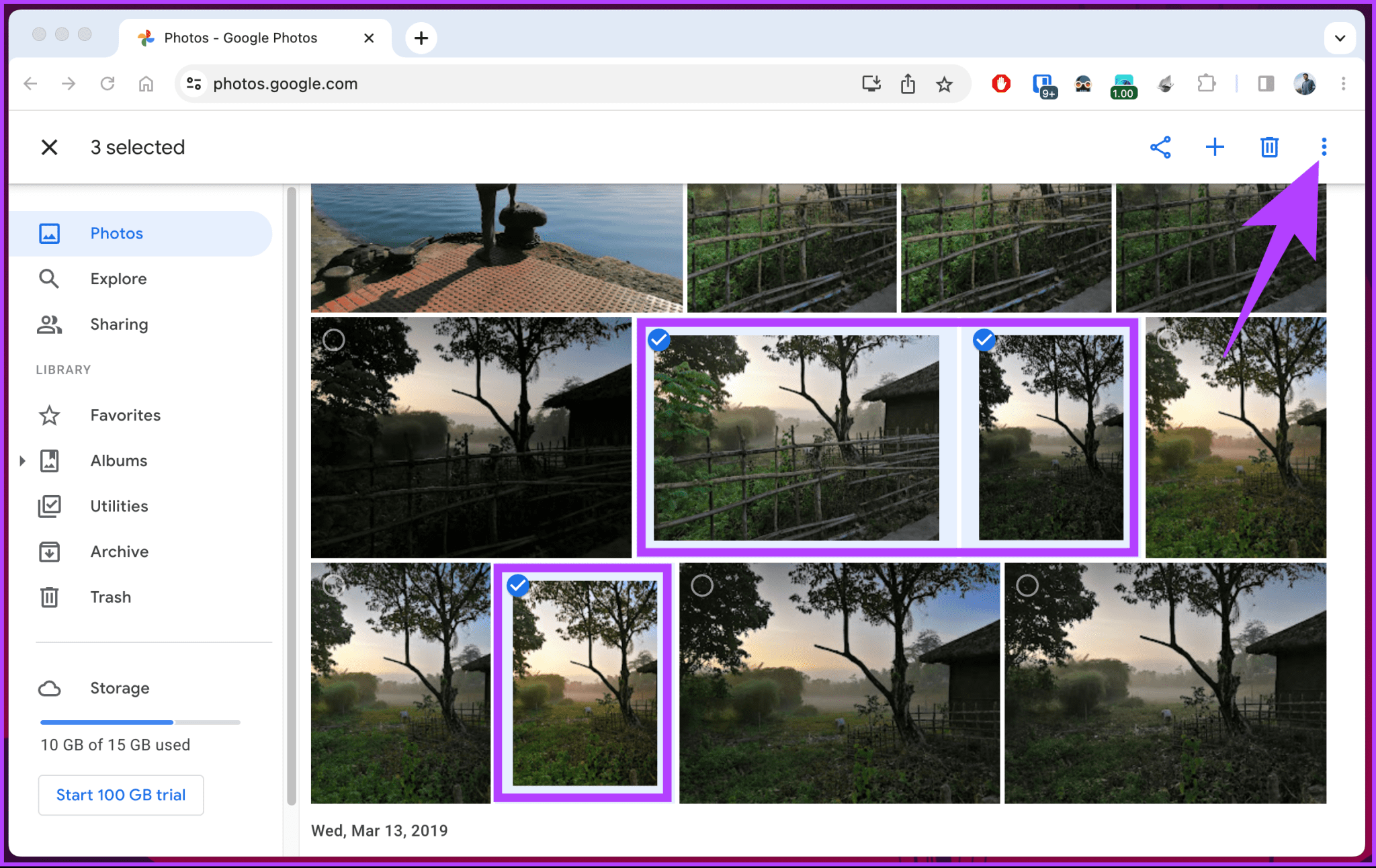 How to Download Photos From Google Photos on Desktop and Mobile
Sharin' Your Snaps: Because Good Things Should Be Shared!
You've found your action figure, you've put it in a safe place, and now you want to show it off. In Google Photos, this is where sharin' comes in. You can share your pics with friends, family, or even the whole world!
Let's say you've just taken the most amazing pic of a sunset. You want to share it on social media. Just tap the share button (it looks like a little paper airplane) and choose where you want to share it. It's like havin' your own personal art gallery, right in your pocket!
And if you want to share a whole album with someone, just open the album, tap the three little dots (that's the menu button), and select 'Share'. You can even give people permission to add their own pics to the album. It's like havin' a group art project, but with way less glue and glitter!
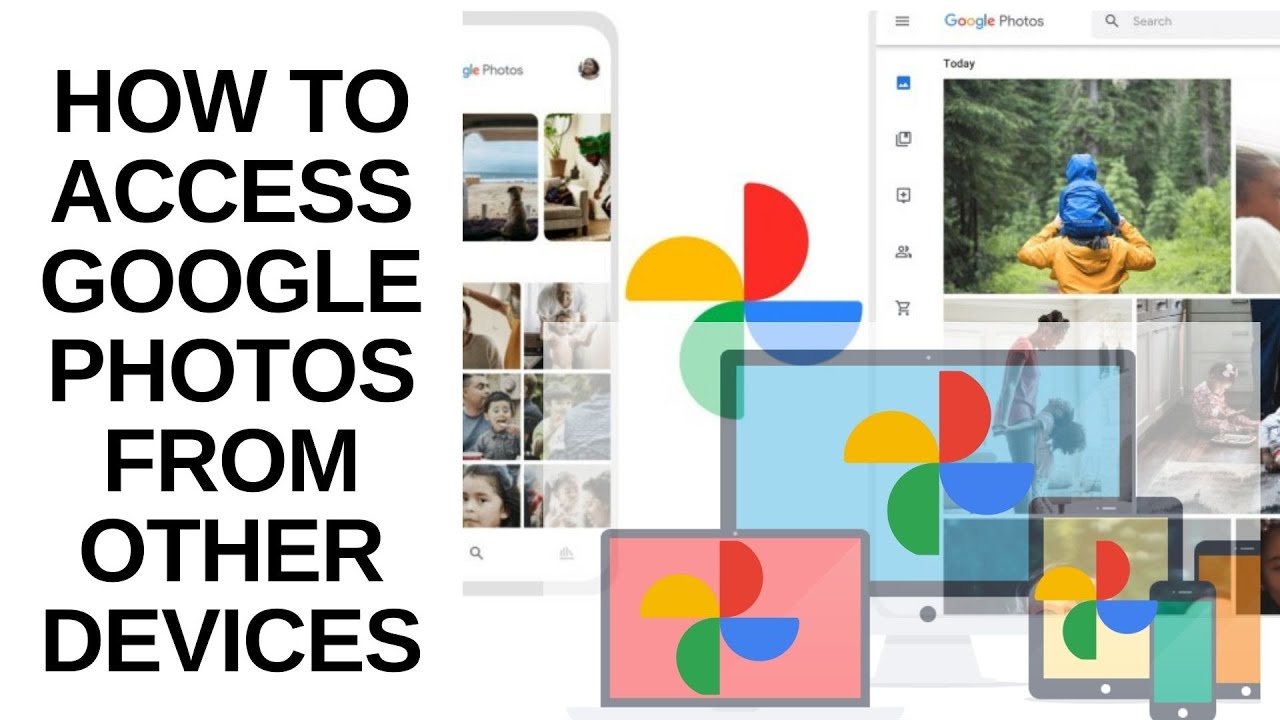 How to Access Google Photos from Other Devices - YouTube
Backin' Up Your Snaps: Because Life Happens
Alright, so you've found your action figure, you've put it in a safe place, you've shown it off to everyone, and now you're feelin' pretty good about yourself. But then, disaster strikes. Your phone falls in the toilet. Or your computer crashes. Or your cat walks across your keyboard and deletes everything. (Hey, it happens!)
This is where backups come in. Google Photos automatically backs up all your pics and videos. It's like havin' a little guardian angel watchin' over your snaps, makin' sure they're always safe and sound. And the best part? It's free! Yes, you heard it right. Google Photos gives you unlimited storage for free. (But there's a catch - your pics will be compressed a bit. If you want to keep 'em in their original quality, you'll need to pay for more storage.)
And That's a Wrap!
And there you have it, folks! You're now a Google Photos pro. You can find your snaps, organize 'em, share 'em, and make sure they're always safe. It's like havin' your own personal photo butler. So, go on, give it a try. Your snaps are waitin' for you!
And remember, folks, life's too short to lose your favorite pics. So, keep 'em safe, share 'em with the world, and most importantly, have fun with 'em!
