How To Bypass Frp Lock On Samsung Android 15

Hey there, tech-savvy friend! So, you've found yourself locked out of your Samsung Android 15, huh? Don't worry, we've all been there. It's like trying to remember your crush'...
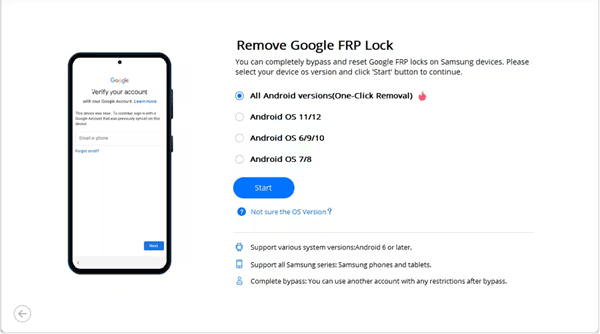
Hey there, tech-savvy friend! So, you've found yourself locked out of your Samsung Android 15, huh? Don't worry, we've all been there. It's like trying to remember your crush's locker combination in high school - frustrating, but not impossible to bypass. Today, we're going to tackle that pesky FRP (Factory Reset Protection) lock together. Grab a snack, get comfy, and let's dive in!
First Things First: What's FRP, Anyway?
Alright, imagine FRP is like the bouncer at an exclusive club. It only lets you in if you know the secret password - in this case, your Google account details. But what if you've forgotten them? Or maybe you bought a second-hand phone, and the previous owner didn't exactly leave the keys on the table? That's where we come in!
Before We Start: A Word of Caution
Now, I'm not saying we're about to perform some high-stakes hacking mission here, but remember, bypassing FRP does void your warranty. It's like when you try to fix your car's radio, and suddenly, the air conditioning stops working. You've been warned, my friend!
Must Read
Method 1: Using Google's Find My Device
Alright, let's start with the simplest method. If you've previously enabled 'Find My Device' on your phone, you're in luck! Here's how to use it:
- On another device, open Google's Find My Device.
- Sign in with the Google account linked to your locked phone.
- Select your phone, then click on 'Erase device'.
- Once the phone is erased, set it up as new. During the setup process, you'll be asked to add a Google account. Skip this step by tapping 'Skip' in the top-right corner.
- Voila! You've bypassed the FRP lock. Now, you can add your Google account manually.
Easy peasy, lemon squeezy, right? But what if you haven't enabled 'Find My Device'? Fear not, we've got another trick up our sleeve!
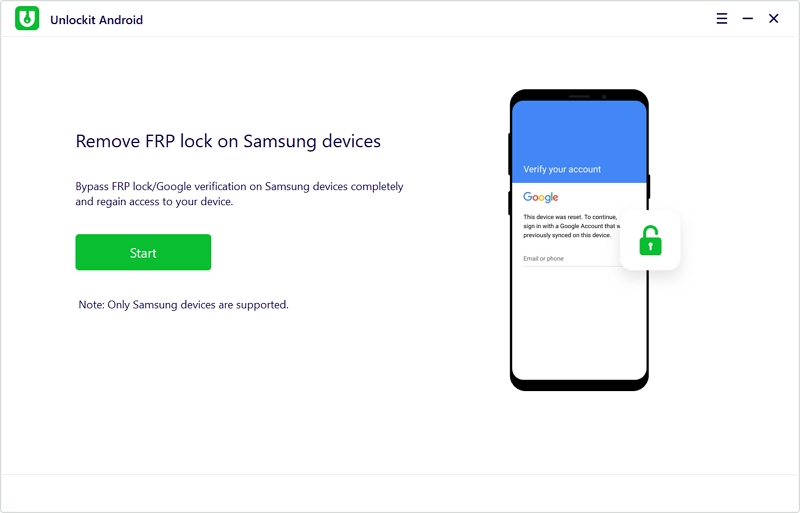 (3 Best Ways) How to Bypass FRP with Computer
Method 2: Using Samsung's 'Smart Switch' App
For this method, you'll need a computer and another Android device. Here's how to do it:
- On your computer, download and install Samsung's Smart Switch app.
- Connect your locked phone to your computer using a USB cable.
- Open the Smart Switch app on your computer. It should detect your phone and ask if you want to 'Backup and Reset'. Click 'Yes'.
- Once the backup is complete, click 'Reset'.
- After the reset, your phone should boot up, and the FRP lock should be bypassed. Set it up as new, and you're good to go!
Pretty nifty, huh? It's like having a secret key to unlock that exclusive club!
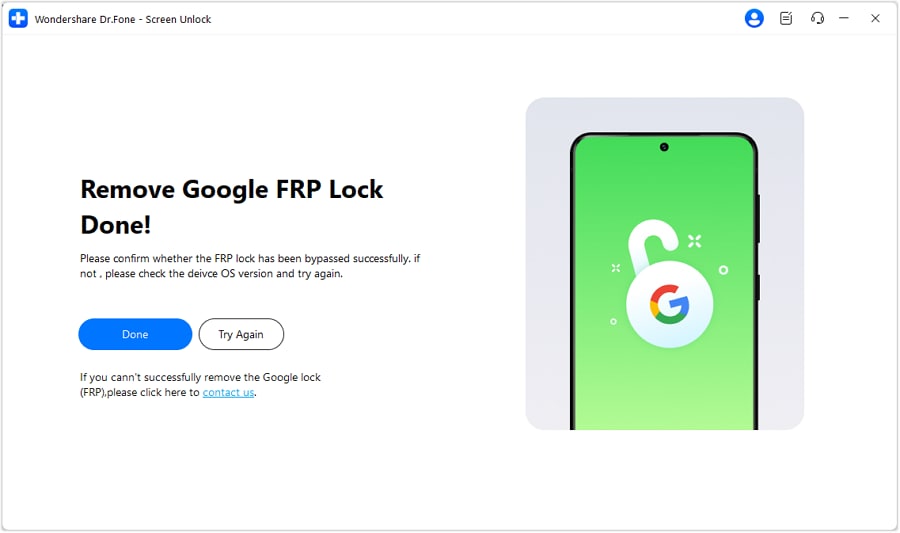 AndroidNovoTools FRP v1.2 Review 2026: Best FRP Bypass Solution
And There You Have It!
Two methods, two ways to bypass that pesky FRP lock. Remember, always keep your Google account details handy, and enable 'Find My Device' on your phones. It might just save your bacon one day!
Now, go forth, tech-savvy friend, and conquer that Samsung Android 15! And hey, if you ever find yourself in another tech pickle, you know who to call. Until then, stay tech-savvy, and keep smiling!
