How To Notify Bank Of America Of Travel

Hey there, traveler! You know what's a real buzzkill? Having your credit card frozen while you're halfway around the world, trying to buy a souvenir for your mom who loves ele...
Hey there, traveler! You know what's a real buzzkill? Having your credit card frozen while you're halfway around the world, trying to buy a souvenir for your mom who loves elephants (or maybe that's just my mom?). So, let's chat about how to notify Bank of America about your upcoming adventure, so you can snap all the pics and make all the memories without any financial hiccups.
Why Bother Notifying Bank of America?
You might be thinking, "But I've traveled before without telling them, and my card worked just fine!" Well, sure, you might have gotten lucky. But banks aren't mind readers, and they have no way of knowing if that mysterious transaction in Timbuktu is you or a sneaky thief. So, they might freeze your card for its own safety. Not cool, right?
Plus, think about it this way: it's like when you tell your friends you're going on a road trip. They might offer you snacks, suggest cool stops, or even join you! Notifying Bank of America is like that. They can offer you extra protection, like fraud monitoring, and maybe even some travel perks.
Must Read
How to Notify Bank of America: The Easy Peasy Guide
1. Log In to Your Account
First things first, head over to the Bank of America website and log in to your account. If you're not already enrolled in online banking, now's the time to do that. It's like having your own personal financial assistant, 24/7.
2. Find the Travel Notification Feature
Once you're in, look for the "Secure Messages" or "Message Center" tab. That's where you'll find the travel notification feature. It's usually pretty straightforward, but if you're having trouble, don't hesitate to give their customer service a call. They're there to help, and hey, maybe you'll make a new friend!
 Bank of america notify travel | Benkens.blog
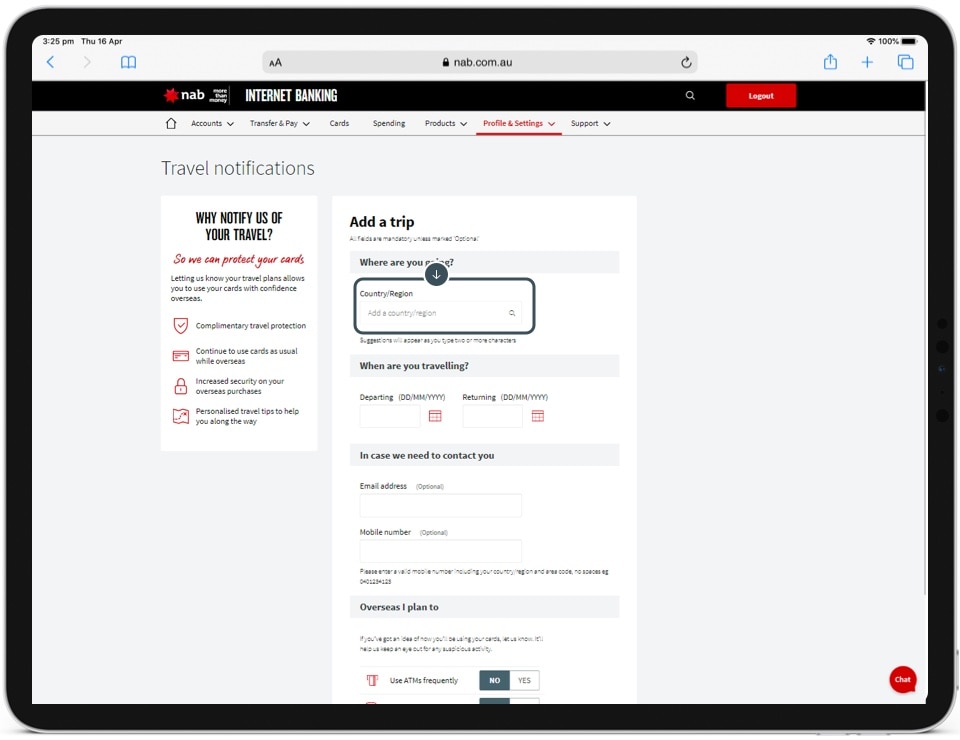
3. Fill Out the Details
Now comes the fun part! Fill out where you're going and when. Be as specific as possible. If you're planning to visit Aunt Martha in Kansas City and then road trip it to Yellowstone, let them know. The more details, the better they can protect you.
Also, don't forget to include any stops you might make along the way. Even if it's just a quick layover in London on your way to Paris, it's worth mentioning. After all, who knows when you might decide to explore the city for a few hours?
 How To Tell Bank Of America You'Re Travelling How To Setup A Bank Of
4. Review and Confirm
Once you've filled out all the details, review your information to make sure everything's accurate. Then, hit that confirmation button and give yourself a pat on the back. You've just taken a big step in ensuring your trip goes smoothly!
What If I'm Already on the Move?
No worries, you can still notify Bank of America even if you're already on your adventure. Just follow the same steps as above, and they'll update your account information accordingly. Better late than never, right?
 Bank of america notification of travel 60 photos - Guidebookbali.com
But What If I Forget?
Life happens, and sometimes we forget things. If you realize you've forgotten to notify Bank of America, don't panic. Just give them a call, and they'll help you out. They understand that we're all human, and they're there to help, not judge.
Now Go Make Some Memories!
There you have it, folks! You're now armed with the knowledge to notify Bank of America about your travel plans. So, what are you waiting for? Get out there and make some memories! Snap some pics, try some new foods, and don't forget to send a postcard to your mom (or at least text her).
And remember, every adventure starts with a single step. In this case, that step is notifying your bank. So, go forth, explore, and have the time of your life! Your bank (and your mom) will thank you.
