How To Recover My Voicemail Password

Forgot Your Voicemail Password? Let's Get You Unlocked in a Jiffy! Hey there, tech-savvy friend! You're not alone if you've found yourself in the dreaded 'Forgot Password' li...
Forgot Your Voicemail Password? Let's Get You Unlocked in a Jiffy!
Hey there, tech-savvy friend! You're not alone if you've found yourself in the dreaded 'Forgot Password' limbo. But don't worry, we're here to help you navigate those voicemail waters and get your messages back in no time. So, grab a cup of coffee, and let's dive in!
First Things First: Know Your Carrier
Before we start, it's crucial to know who your carrier is. Whether you're a Verizon, AT&T, or T-Mobile user, each has its own process. Don't stress, though; we'll guide you through them all.
Verizon: The Easy Peasy Way
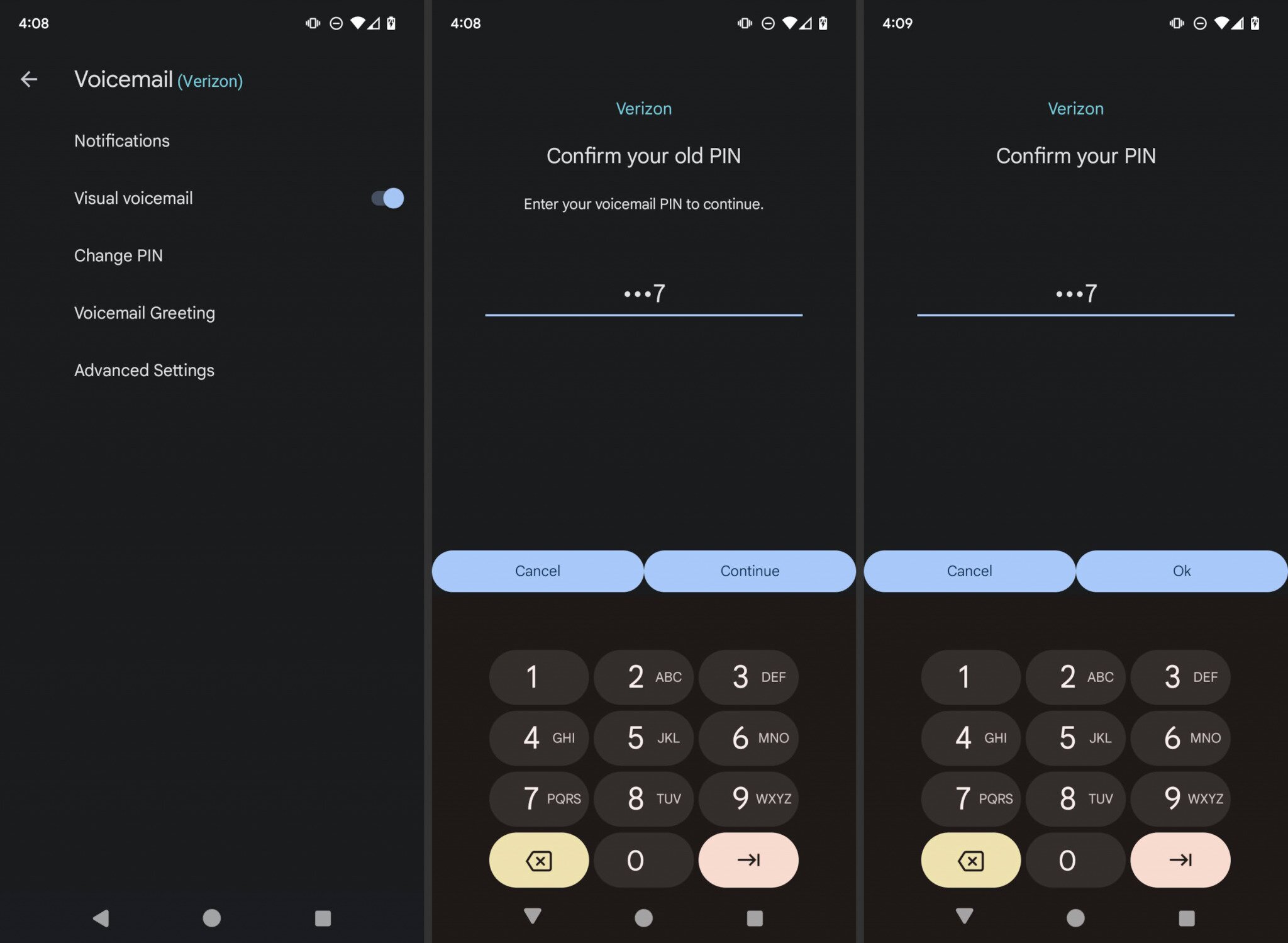
Verizon users, you're in luck! If you've forgotten your voicemail password, you can reset it directly from your phone. Just dial *611 from your Verizon phone, and follow the automated prompts. Easy as pie, right?
Must Read
If you're not feeling the automated route, you can also call Verizon's customer service at 1-800-922-0204 and ask for assistance. They'll have you up and running in no time.
AT&T: The Two-Way Street
AT&T users, here's where things get a tad trickier. You can't reset your voicemail password directly from your phone. Instead, you'll need to call AT&T's customer service at 1-800-331-0500 and ask for help. They'll verify your identity and reset your password for you.
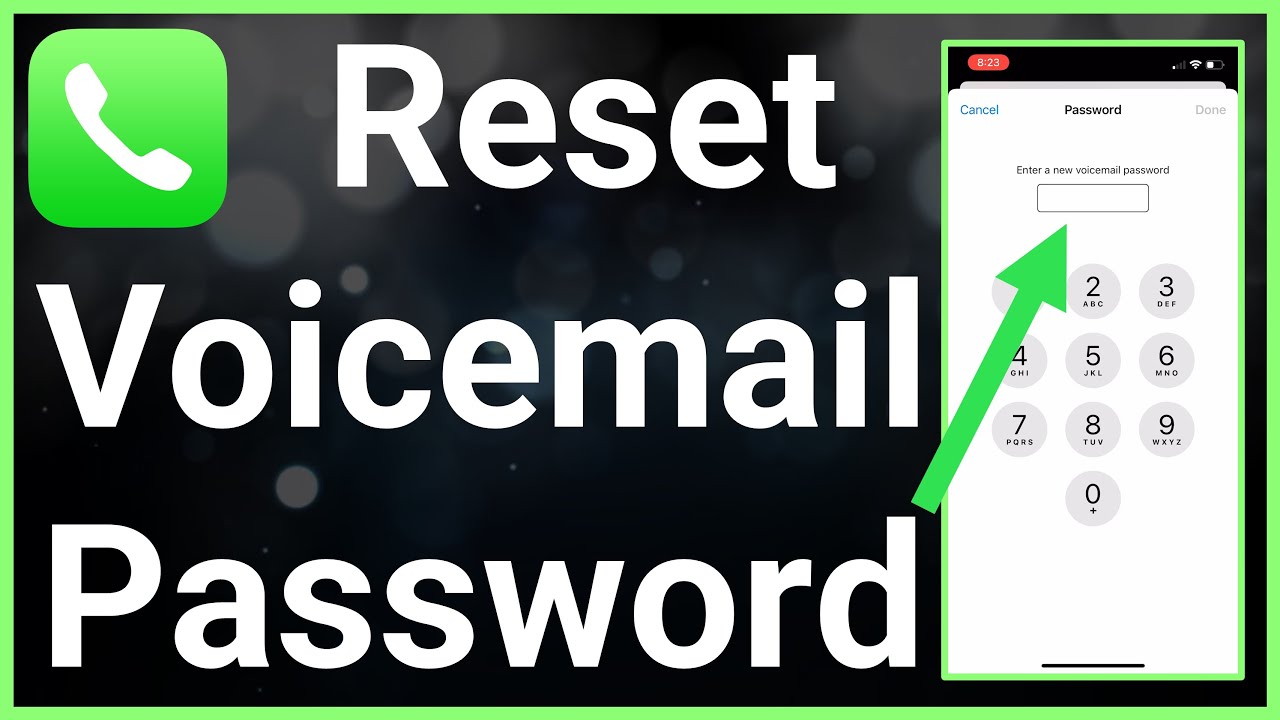
But here's a pro tip: To avoid this situation in the future, you can set up a voicemail PIN. This four-digit code will let you access your voicemail from any phone, even if you've forgotten your password. Win-win!
 How to reset voicemail password - TechStory
T-Mobile: The Text Message Route
T-Mobile users, get ready to channel your inner texter. To reset your voicemail password, just send a text message with the word 'Reset' to 611 from your T-Mobile phone. Easy peasy!
If you're not feeling the text message vibe, you can also call T-Mobile's customer service at 1-800-937-8997 and ask for assistance. They'll be more than happy to help!
General Tips for a Password-Proof Life
Now that you're back in the voicemail game, let's talk about preventing this password pickle in the future. Here are a few tips:
 How To Recover Voicemail Password on Android/iPhone ATT/Verizon/Sprint
- Use a unique password for your voicemail. No recycling those old passwords, please!
- Write it down and keep it in a safe place. Just don't leave it on a sticky note on your monitor!
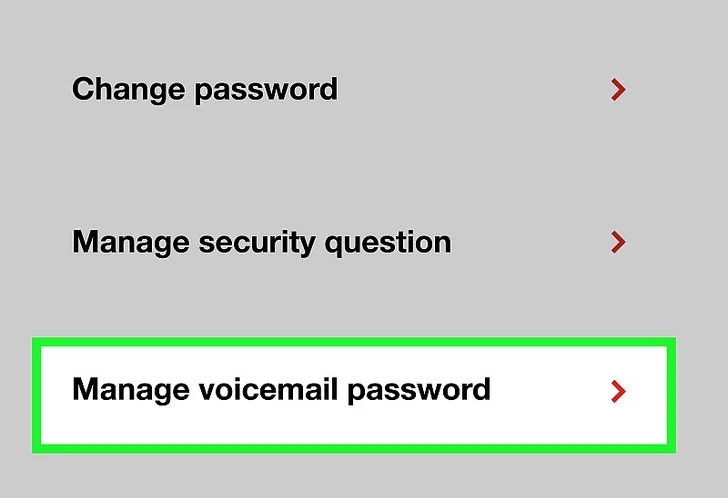
- Set up a voicemail PIN, if your carrier offers it. It's a lifesaver when you're in a pinch!
You Did It! Now Go Conquer the World
And there you have it, folks! You've successfully navigated the treacherous waters of forgotten voicemail passwords. Isn't it a wonderful feeling to be back in control?
Remember, learning new things is what makes life fun and exciting. So, the next time you find yourself in a tech pickle, don't stress. Just take a deep breath and dive in. You've got this!
Now, go forth and enjoy those voicemails. And who knows, maybe you'll even learn something new along the way. Happy exploring!
