My Iphone Is Lost How Do I Locate It

So, you've gone and done it, huh? Lost your trusty iPhone. It's like losing a limb, isn't it? I mean, how did we ever manage without these little rectangles of magic? But fear...

So, you've gone and done it, huh? Lost your trusty iPhone. It's like losing a limb, isn't it? I mean, how did we ever manage without these little rectangles of magic? But fear not, my friend, for I am here to guide you through the treacherous waters of 'I've lost my phone' panic. Let's dive in, shall we?
First Things First: Don't Panic!
I know, I know, it's easier said than done. But panicking won't help you find your phone, and it might just make you forget where you last had it. Take a deep breath, and let's think this through. Where did you last see it? Was it in your pocket? On the kitchen counter? Or maybe it's hiding under that mountain of clothes you've been meaning to fold (yeah, yeah, I know, we all have one).
Check Your Pockets (Again)
You might think you've already checked, but sometimes our brains play tricks on us. So, go ahead, check those pockets one more time. And while you're at it, check your other pockets too. You never know, your phone might have decided to go on a little adventure.
Must Read
Use 'Find My iPhone'
Alright, so you've checked everywhere and your phone is still MIA. It's time to bring out the big guns. If you've got 'Find My iPhone' enabled (and if you haven't, why not? It's like having a personal superhero), then you're in luck. Here's how you do it:
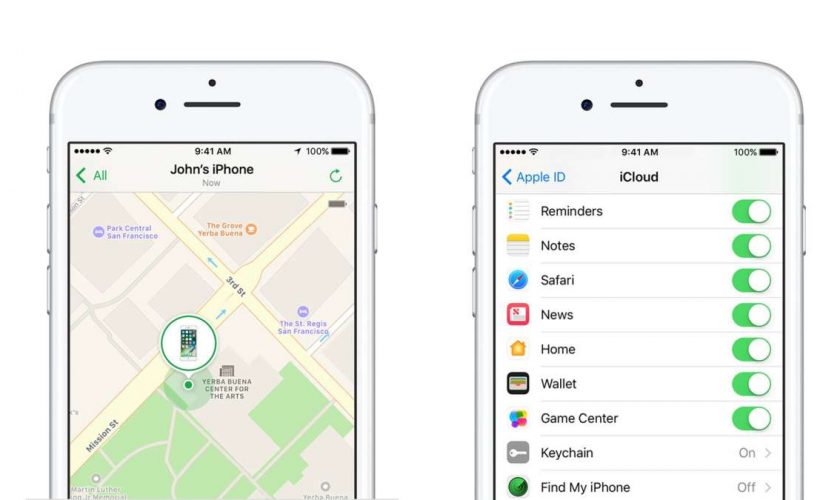 How to Use "Find my iPhone" To Track Your Lost iPhone?
- Go to iCloud.com on another device.
- Sign in with your Apple ID.
- Click on 'Find My iPhone'.
- Select your device from the list.
- And voilà! You should see its location on the map. If it's nearby, you can make it play a sound to help you find it. If it's not, well, at least you know where it is.
What If 'Find My iPhone' Isn't On?
Don't worry, all is not lost (pun intended). There are still a few things you can try. You could ask Siri to help you find your phone. Just say, "Hey Siri, where's my iPhone?" and she'll do her best to help. If that doesn't work, you can try using a third-party app like 'Find My Phone' or 'Lookout'.
When All Else Fails...
...it might be time to face the facts: your phone might be gone for good. But before you give up, check with your local lost and found, or post on local community groups. You'd be surprised how many people find their phones this way.
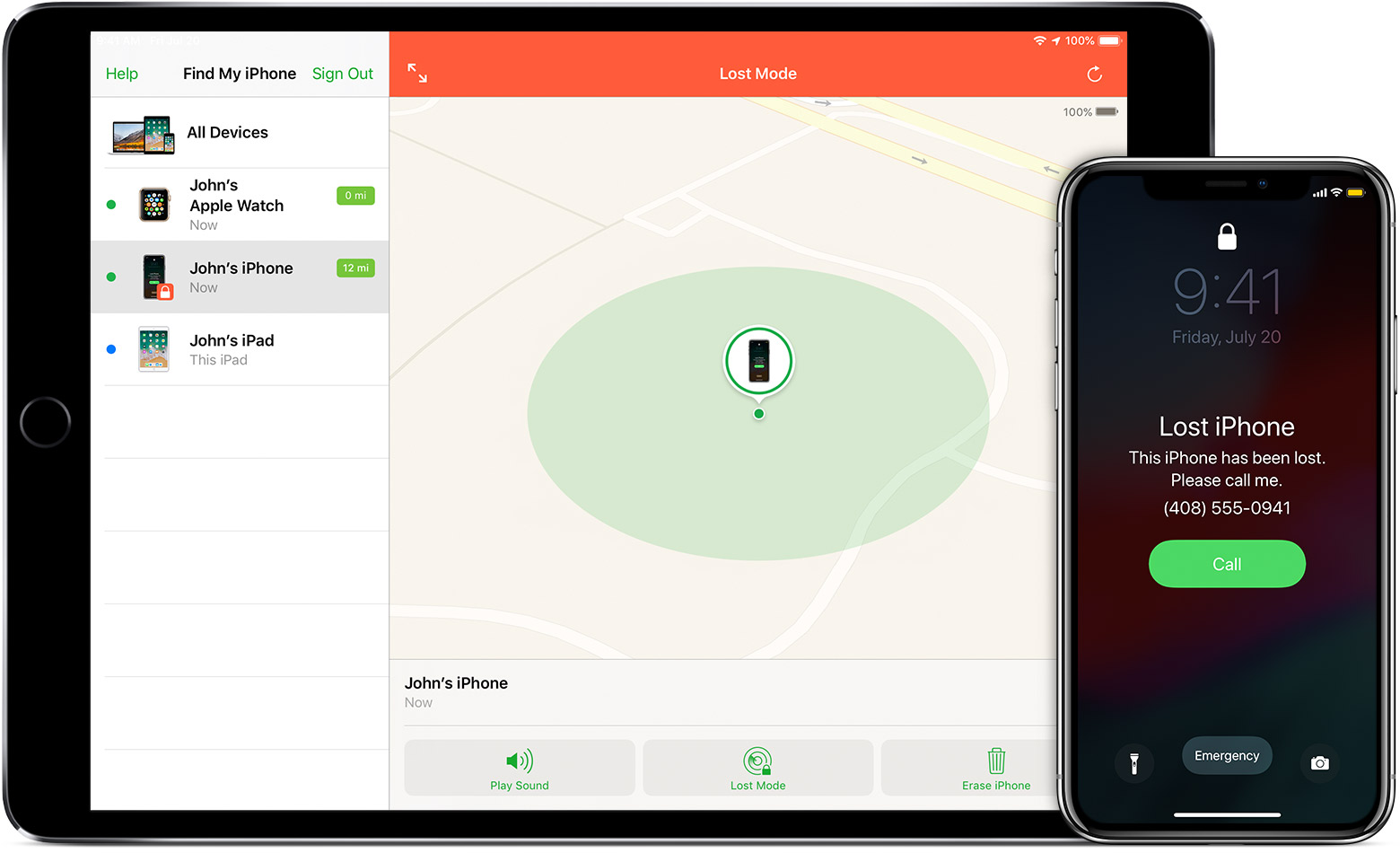 If your iPhone, iPad, or iPod touch is lost or stolen - Apple Support
Prevention is Better Than Cure
Now that you've got your phone back (or you've accepted that it's gone), it's time to prevent this from happening again. Make sure 'Find My iPhone' is always enabled. You could also set up a passcode or use Face ID to keep your phone secure. And maybe, just maybe, try to keep an eye on your phone. I know, I know, it's hard. But it's worth a try!
And Finally...
Remember, losing your phone is a pain, but it's not the end of the world. You've still got your brain, your wit, and your charm (well, maybe not your charm, but you get the idea). So, chin up, buttercup! You'll get through this. And who knows, maybe this is the universe's way of telling you it's time for an upgrade. 😉
