Where Does Mail Go When You Archive It

So, you've been tidying up your inbox, huh? Clicking that 'Archive' button like it's going out of style. But hey, have you ever wondered, where does mail go when you archive i...

So, you've been tidying up your inbox, huh? Clicking that 'Archive' button like it's going out of style. But hey, have you ever wondered, where does mail go when you archive it?
Let's dive in, shall we? Grab a coffee, get comfy, 'cause we're about to pull back the curtain on this digital mystery.
First things first, what's archiving?
Archiving isn't just for ancient libraries and dusty museums, you know. In email land, it's like tucking away messages you don't need right now, but might want to keep for later. Think of it as moving stuff from your cluttered desktop to a neat, organized filing cabinet.
Must Read
Now, where does it go?
Well, it's not like your emails are packing their bags and moving to some digital retirement home. They're still right there in your inbox, just hidden from view. It's like they're playing a game of peekaboo with your screen.
In the world of Gmail, for instance, archived emails are stashed away in a special folder called, you guessed it, 'All Mail'. It's like the big, cozy attic where all your digital memories are stored. And if you're using Outlook or other email clients, they've got their own version of this attic too.
But why can't I see them?
Great question! When you archive, you're basically telling your email client, "Hey, I don't need to see this right now, but I might want to later." So, it hides the email from your inbox, but keeps it easily searchable. It's like having a magic, always-ready-to-help email assistant.
And don't worry, your emails aren't just floating around in some digital void. They're still there, safe and sound, just a search query away. In fact, you can even set up your email client to show archived emails in your inbox if you want. It's like having a 'show all' button for your digital life.
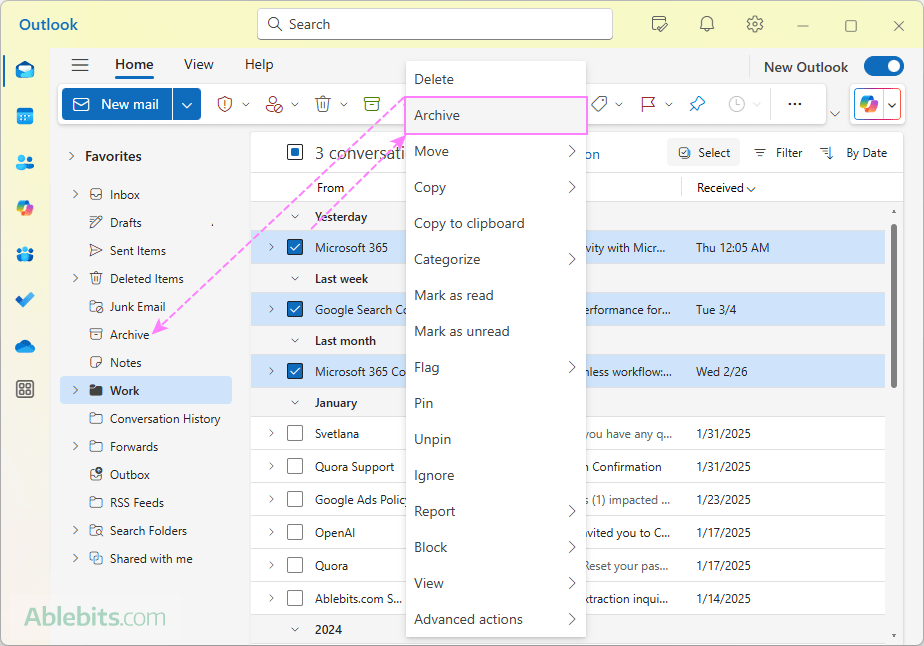 How to archive Outlook emails automatically or manually to save space
What about deleting? Isn't that the same thing?
Oh, no no no. Deleting is like sending your emails to the digital equivalent of the sun. They're gone, vanished, no trace left behind. Archiving, on the other hand, is more like sending them on a little vacation. They're still there, just not in your immediate view.
Plus, deleting can sometimes be a bit... final. Ever accidentally deleted an important email and had to do the digital equivalent of a frantic rummage through the trash can? Yeah, archiving helps avoid those panicked moments.
So, should I archive everything?
Well, that's up to you, really. Some people like a clean, empty inbox. They archive everything, and that's perfectly fine. Others like to keep their inbox as a to-do list, with emails acting as tasks. They only archive once they've dealt with the email.
Personally, I'm a bit of a digital packrat. I archive almost everything. You never know when you might need that old receipt or that funny email from your friend. But hey, that's just me. The beauty of email is that it's your space, your rules.
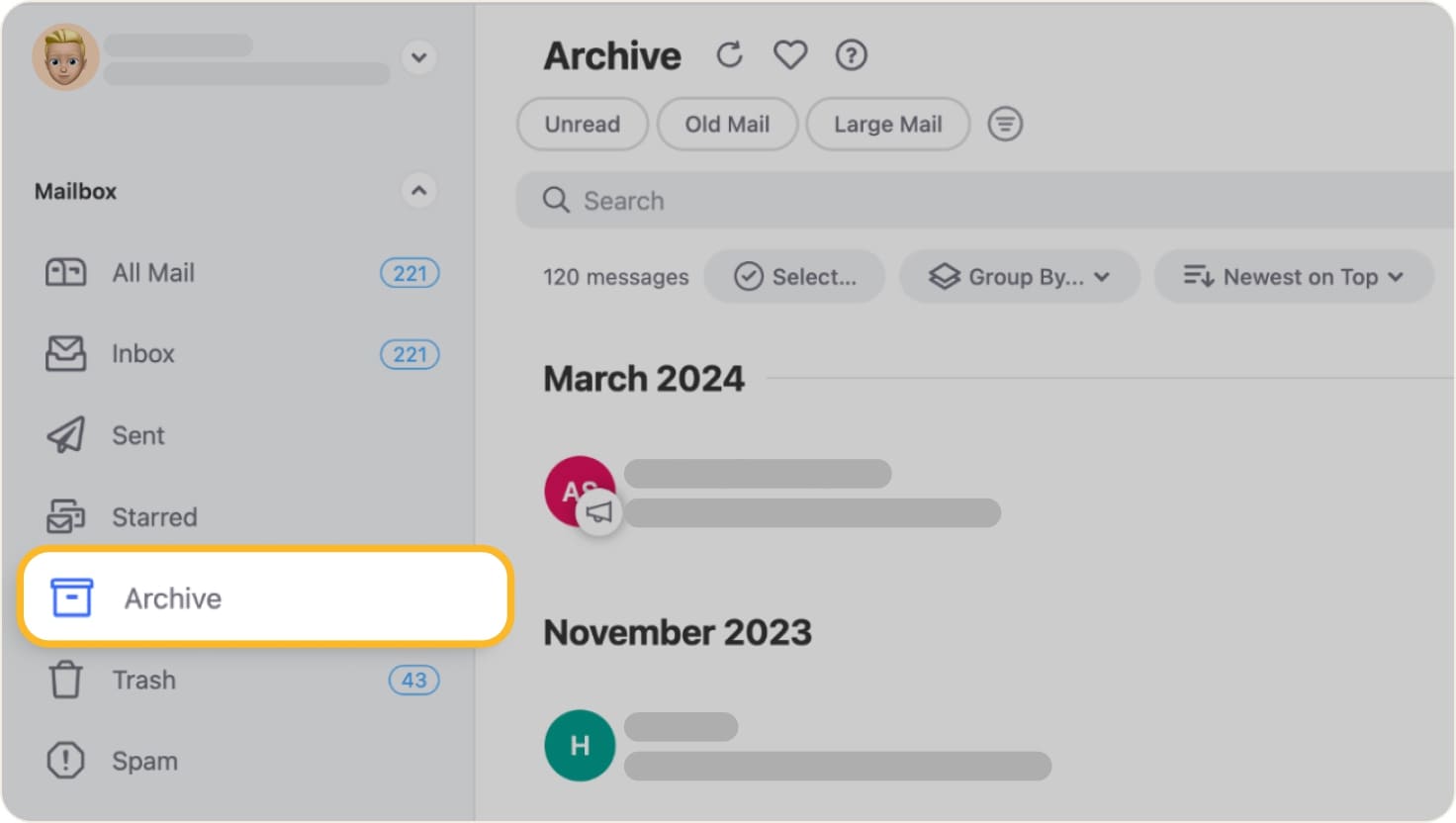 Where Do Archived Emails Go in Outlook? Right This Way!
But what about privacy? Should I be worried?
Great question, again! The truth is, archiving doesn't really affect your email's privacy. It's still there, on your email server, just like it was before. The only difference is that it's not cluttering up your inbox.
However, if you're really worried about privacy, you might want to consider using an encrypted email service. But that's a whole other conversation, isn't it?
Alright, so what now?
Well, now you know where your emails go when you archive them. You're a digital detective, a cyber sleuth. Go forth, archive with confidence, and remember, your emails aren't gone, just... hidden.
And hey, if you ever want to find an archived email, just hit that search bar. It's like having a magic lamp, and your emails are the genies. Just remember, no more than three wishes a day. Or something like that.
