Where To Find Outlook Archive Folder

Alright, folks, let's talk about something that's been lurking in the shadows of your Outlook inbox, waiting to make your life a whole lot easier. I'm talking about the Archiv...
Alright, folks, let's talk about something that's been lurking in the shadows of your Outlook inbox, waiting to make your life a whole lot easier. I'm talking about the Archive Folder, your new best friend in the digital world. Now, don't go rolling your eyes just yet, I promise this isn't going to be a boring tech lecture. Let's dive in, shall we?
Imagine you're in a bustling café, and your table is covered with empty coffee cups, crumpled napkins, and yesterday's newspaper. You can't find your book, your phone, or even your sense of calm amidst all this chaos. That's what your inbox looks like when it's overflowing with emails, right? Now, what if I told you there's a magical bin under your table that can swallow up all that clutter, leaving your table (or inbox) clean and tidy? That's essentially what the Archive Folder does.
So, where's this magical bin hiding?
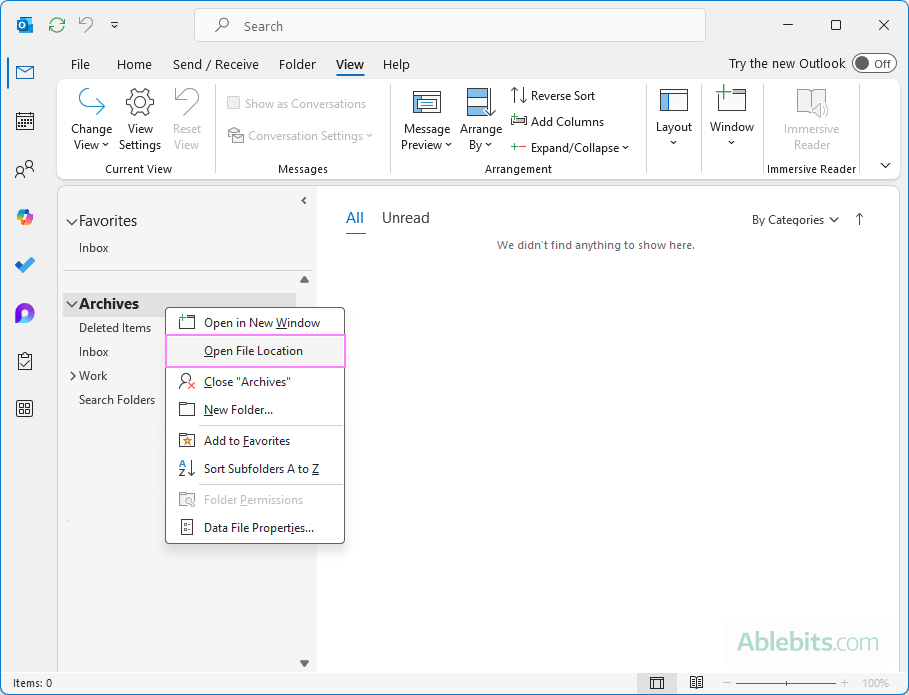
First things first, you need to know that the Archive Folder isn't a standard feature that's staring you in the face. No, it's a bit more elusive than that. Think of it as a secret room in a grand old mansion. You won't find it unless you know where to look. Here's how you can find it:
Must Read
In Outlook on your computer, click on the File tab at the top left corner. It's the one that looks like a tiny house.
Now, look for Info in the left-hand menu. Click on that.
Scroll down until you see Clean Up Old Items. Click on that, and voila! There's your Archive option, waiting patiently for you.
In Outlook on the web (aka your browser), it's a bit different. Click on the Settings icon (it looks like a gear), then View all Outlook settings. Under Mail, click on Folders, and there you'll find your Archive folder.
 Manage In-Place Archive in Microsoft 365 - o365info
But why should you care?
Alright, so you've found it. Big deal, right? Wrong! The Archive Folder is your secret weapon against email overload. Here's why:
It keeps your inbox clean and organized. Imagine your inbox as a garden. You can't enjoy the pretty flowers if they're all hidden under a mountain of weeds, can you? The Archive Folder is like a compost bin, taking all those old emails and turning them into something useful.
It makes searching a breeze. When you need to find an old email, you don't want to be rummaging through a pile of junk, do you? Archiving old emails makes searching a whole lot faster and easier.
It helps you stay focused. When your inbox is a mess, it's hard to focus on what's important. The Archive Folder helps you declutter, so you can focus on the tasks that really matter.
 How to find archived emails in Outlook & change archive location
Think of it this way: The Archive Folder is like your personal email assistant, working tirelessly behind the scenes to keep your inbox spick and span. And the best part? It's already there, just waiting for you to put it to work.
But what about those emails I might need again?
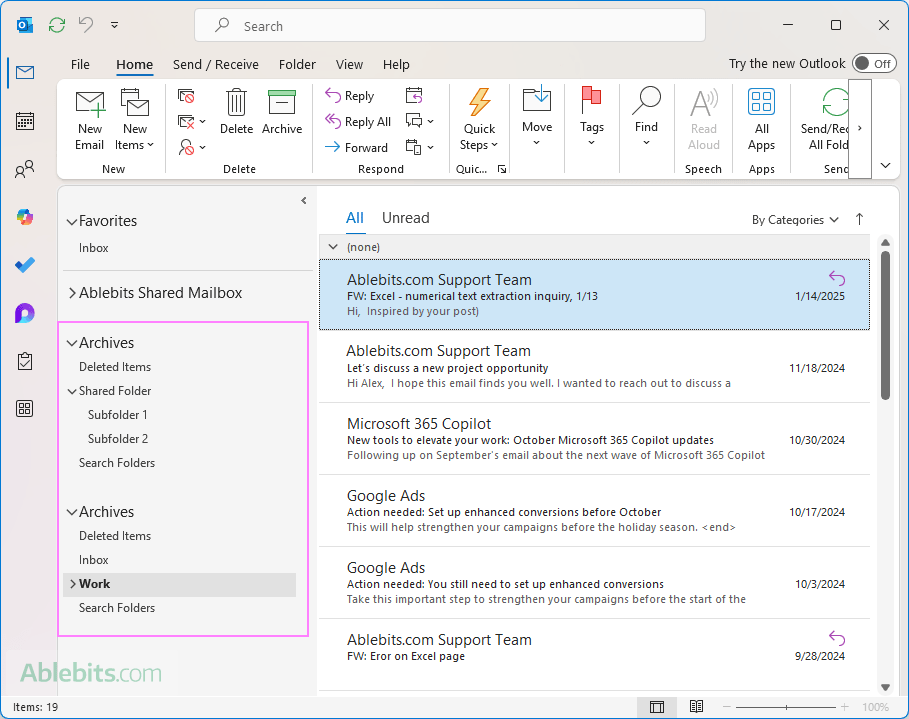
Don't worry, the Archive Folder isn't a black hole. You can still access your archived emails whenever you need them. In Outlook on your computer, just click on the Folder tab, then Archive. In Outlook on the web, it's under the Favorites section on the left-hand side.
So, there you have it, folks. The Archive Folder isn't just a hidden feature, it's a lifesaver. It's like having a personal assistant who's always ready to lend a helping hand, keeping your inbox clean and organized. So, what are you waiting for? Go forth and conquer your inbox!
And remember, just like a real garden, your inbox needs regular maintenance. Make archiving a habit, and you'll soon find that your inbox is a peaceful, productive space. Happy archiving!
