Documents And Data Storage On Iphone

Hey there, tech enthusiasts and curious minds! Ever wondered what's going on behind the scenes when you snap a pic or jot down a note on your iPhone? Well, grab a coffee and l...
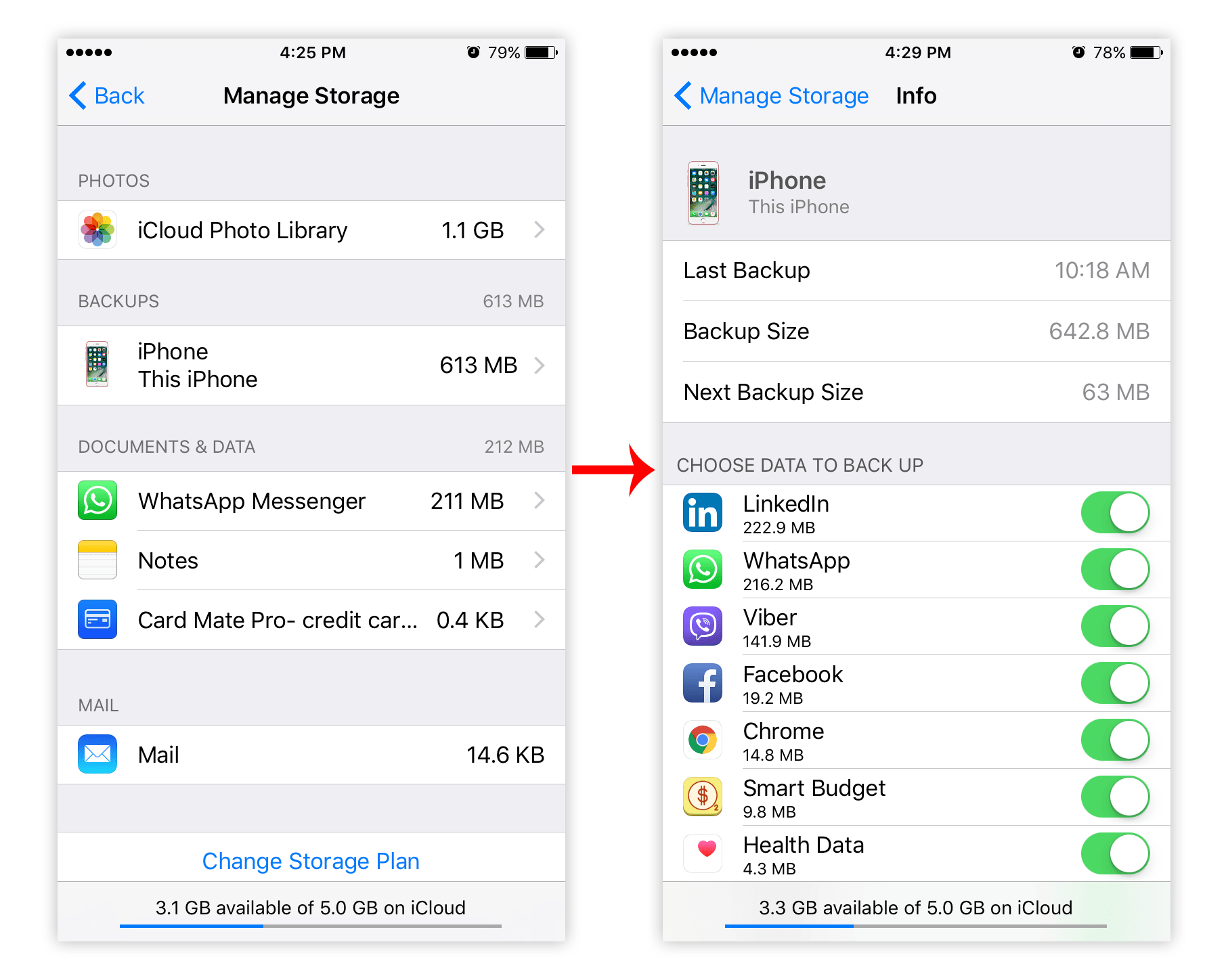
Hey there, tech enthusiasts and curious minds! Ever wondered what's going on behind the scenes when you snap a pic or jot down a note on your iPhone? Well, grab a coffee and let's dive into the fascinating world of documents and data storage on your trusty iDevice. It's like going on a treasure hunt, but instead of maps, we've got circuits and code.
Storing Your Stuff: The iPhone's Data Vault
So, you've just taken a selfie that's gonna blow up on Instagram, or maybe you've jotted down the recipe for your grandma's famous apple pie. Where does all that data go? Welcome to the iPhone's data storage, a.k.a. the place where your digital life lives.
Think of it like a really, really organized attic. You've got your photos in the 'albums' section, your notes tucked away in the 'Notes' app, and your apps are all lined up in neat little rows on your home screen. But how does it all work? Let's find out!
Must Read
iCloud: Your Data's Summer Home
Now, you might be thinking, "That's all well and good, but what happens when my iPhone's storage is full?" Great question! That's where iCloud comes in. Imagine iCloud as your data's summer home. When your iPhone's storage is getting a bit too cozy, iCloud steps in to give your data some breathing room.
Here's how it works: When you turn on iCloud Drive, your iPhone starts backing up your data to the cloud. It's like having a little helper that's always got your back. And the best part? You can access all that data from any of your Apple devices. It's like having a digital magic trick up your sleeve.
Documents: The iPhone's Paper Trail
Alright, so we've covered photos and notes, but what about all those documents you've been creating? Whether it's a report for work, a short story you're writing, or a to-do list that's a mile long, your iPhone's got you covered.
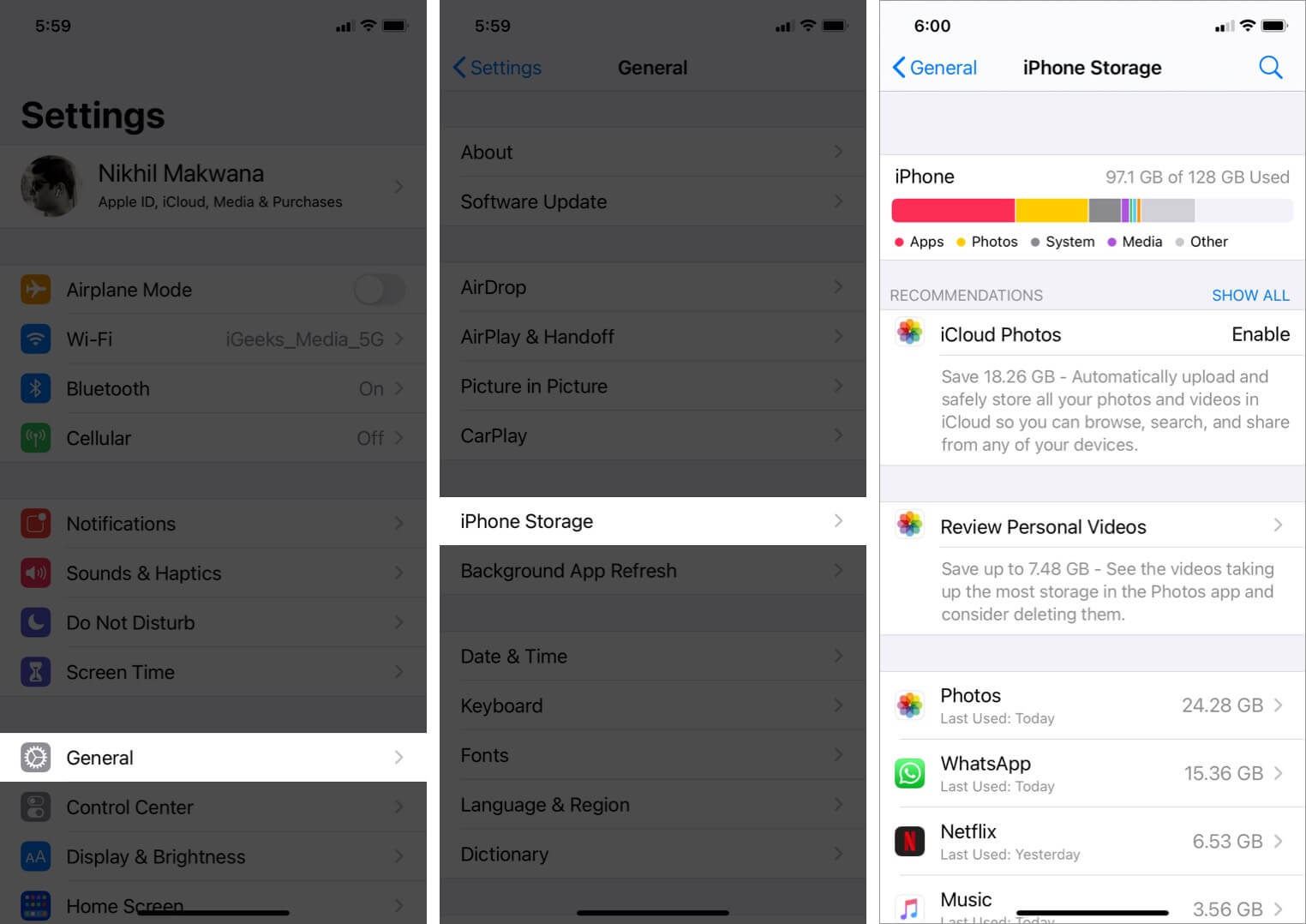 How to delete Documents and Data on iPhone and iPad – iGeeksBlog
The Files app is like your iPhone's personal librarian. It keeps track of all your documents, no matter where they came from. Need to access a Word doc you created on your Mac? No problem! The Files app can handle that. It's like having a digital filing cabinet that's always at your fingertips.
iWork: Your iPhone's Personal Office Suite
Now, you might be wondering, "How do I create all these documents in the first place?" Well, that's where iWork comes in. Imagine iWork as your iPhone's personal office suite. It's got everything you need to create, edit, and share documents, right there on your device.
Pages for word processing, Numbers for spreadsheets, and Keynote for presentations - it's like having a mini office in your pocket. And the best part? All your iWork documents are automatically saved to iCloud, so you can access them from any of your Apple devices. It's like having a digital brain that's always one step ahead.
Security: Keeping Your Data Safe
Alright, so we've covered how your iPhone stores your data, but what about keeping it safe? After all, your data's personal, and you want to make sure it stays that way. That's where iPhone's security features come in.
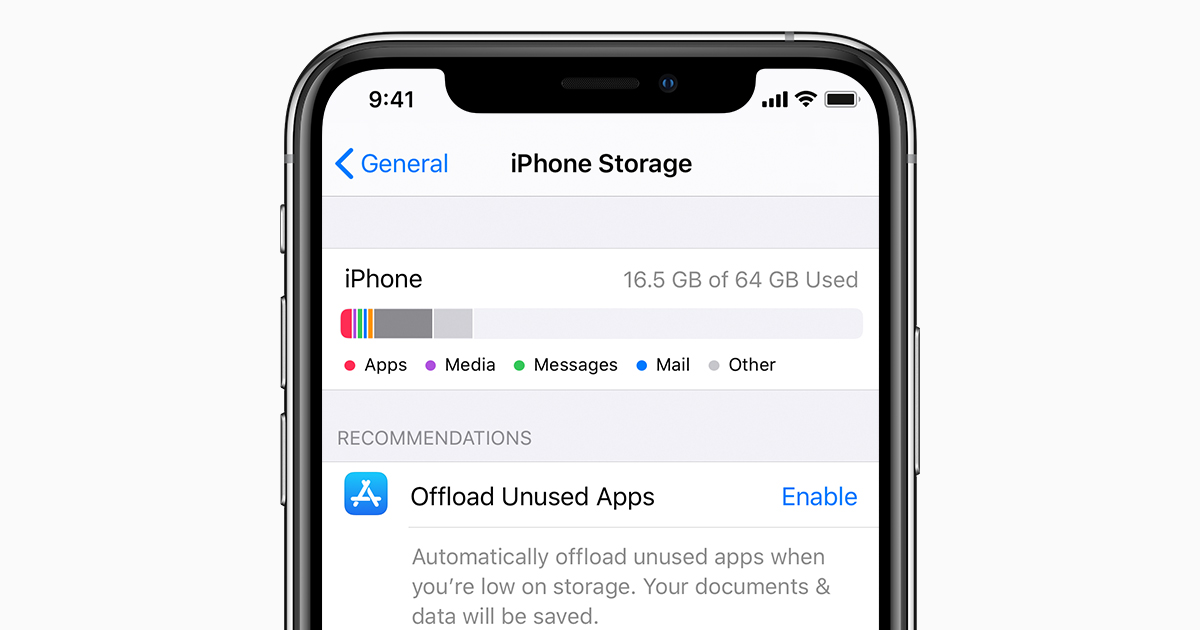 "Documents & Data"? - MPU Talk
Think of iPhone's security as a fortress. It's got layers upon layers of protection to keep your data safe. From Touch ID and Face ID to encryption and secure backups, your iPhone's got your back. It's like having a digital bodyguard that's always on duty.
Backups: The iPhone's Insurance Policy
Now, you might be thinking, "What happens if something goes wrong? What if my iPhone gets lost or stolen?" That's where backups come in. Imagine backups as your iPhone's insurance policy. They make sure your data's always safe, no matter what happens to your device.
iCloud backups are like having a digital safety deposit box. They store all your important data - from photos and contacts to documents and settings - so you can always restore it if something goes wrong. It's like having a digital guardian angel that's always watching over your data.
And there you have it, folks! We've taken a peek behind the scenes at how your iPhone stores your documents and data. It's a fascinating world, isn't it? So the next time you snap a pic or jot down a note, remember, there's a whole lot of magic happening behind the scenes. Stay curious, and happy exploring!
