How Do I Find My Pictures On My Phone

Ever found yourself scrolling through your phone, wondering where all those awesome pics went? You know, the ones you snapped at your friend's birthday bash, or that epic suns...

Ever found yourself scrolling through your phone, wondering where all those awesome pics went? You know, the ones you snapped at your friend's birthday bash, or that epic sunset you caught last summer? Well, let's dive in and find out where they're hiding, yeah?
First things first, where do they live?
Alright, imagine your phone is like a big ol' library. Each app is a room, and your pictures are the books. Now, most phones have a built-in room called 'Gallery' or 'Photos'. This is where your snaps usually hang out. It's like the librarian's favorite section, always neat and organized.
But sometimes, pictures can wander off into other rooms, like 'Messages' or 'WhatsApp'. They might've been sent or received as attachments, or maybe you snapped a pic right in the middle of a chat. No worries, we'll find them!
Must Read
Let's start with the main event - the Gallery
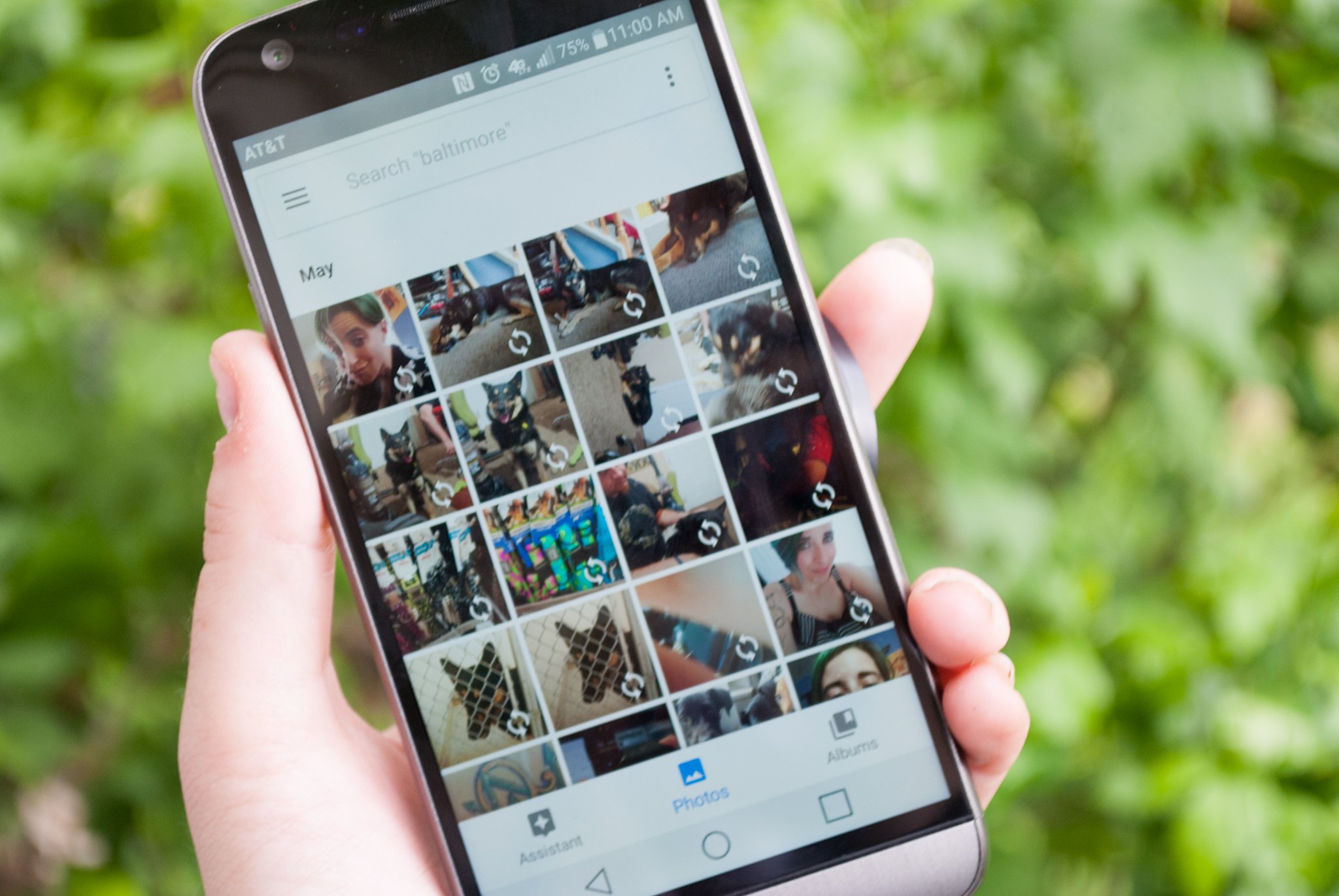
On most phones, you'll find the Gallery app right on your home screen or in your app drawer. Tap on it, and voila, you're in picture paradise. Here, you can scroll through your snaps, organized by date. It's like having your own personal photo album, always at your fingertips.
But wait, what if you want to find a pic from a specific event or place? That's where the magic of albums and folders comes in. You can create these yourself, or your phone might do it automatically. Just tap on an album, and you'll see all the pics from that event or place. It's like having your own little time capsule!
What about those sneaky pics hiding in other apps?
If you think a pic might be hiding in another app, like 'Messages' or 'WhatsApp', it's time to go on a little treasure hunt. Open up that app, and look for any pics that might've been sent or received. You can usually find them in a separate 'Photos' or 'Attachments' section.
 How to transfer photos from iPhone to Android | Android Central
And hey, while you're at it, why not make a habit of saving any cool pics you receive to your main Gallery? That way, they won't get lost in the shuffle. It's like having your own little collection of art, right there on your phone.
Now, what if you want to find a pic, but you can't remember where you took it?
Fear not, dear pic-finder! Most phones have a nifty little feature called 'Search'. It's like having a personal librarian, always ready to help. Just tap on the search bar, and type in a keyword. It could be a place, a person's name, or even a color. Your phone will do its best to find matching pics, even if they're hiding in other apps.
And if you're feeling really fancy, you can even use your phone's location services to find pics from a specific place. It's like having a built-in GPS for your memories. Just make sure to give your phone permission to access your location, so it can work its magic.
But what if you still can't find that one pic that's been eluding you?
Alright, it's time to call in the big guns. Your phone's settings might have the answer. Here's where it gets a little technical, but don't worry, we'll keep it simple.
 How to Transfer My Cellular Plan to My New iPhone 13/14/15/16
On most phones, you can find settings by tapping on the gear icon. Once you're in, look for something like 'Device' or 'General'. Then, tap on 'Storage' or 'Memory'. Here, you might find a section called 'Cached Data' or 'App Data'. This is where apps store temporary files, like pics that might've gotten lost along the way.
Tapping on this section will usually give you the option to clear the cache. This doesn't delete any of your permanent data, but it can help free up space and sometimes even find those elusive pics. Just remember to back up any important data before you start clearing caches, okay?
And there you have it!
You're now a pic-finding pro, ready to conquer any photographic challenge that comes your way. So go on, get out there, and start snapping. And remember, every pic tells a story. It's like having your own personal adventure book, right there in your pocket.
Happy pic-finding, folks!
