How To Connect My Controller To My Ps5

Hey there, gaming guru! Ready to dive into the world of PS5 and get your controller all set up? Let's do this! First Things First: What's in the Box? Alright, so you've just...

Hey there, gaming guru! Ready to dive into the world of PS5 and get your controller all set up? Let's do this!
First Things First: What's in the Box?
Alright, so you've just unboxed your shiny new PS5. Congrats! But where's the controller? Don't worry, it's right there, nestled in its cozy little spot. It's called the DualSense, and it's got some seriously cool features. But more on that later.
Pairing: The Easy Peasy Way
Now, let's get that DualSense connected to your PS5. It's like introducing two new friends - simple and fun!
Must Read
First, press and hold the Share button and the PS button on your DualSense until the light bar starts flashing. This is your controller's way of saying "Hey, I'm ready to meet someone new!"
Next, look at your PS5. See that little light on the back? It's probably not flashing yet. If it is, great job! If not, press the PS button on the console to make it flash. Now we're cooking!
Once both the light bar on your DualSense and the light on your PS5 are flashing, you're golden. They're officially introduced, and your controller is now connected to your console. Easy peasy, right?
But Wait, There's More!
You might be thinking, "That's it? That was too easy!" Well, hold onto your hats, because there's more to explore.
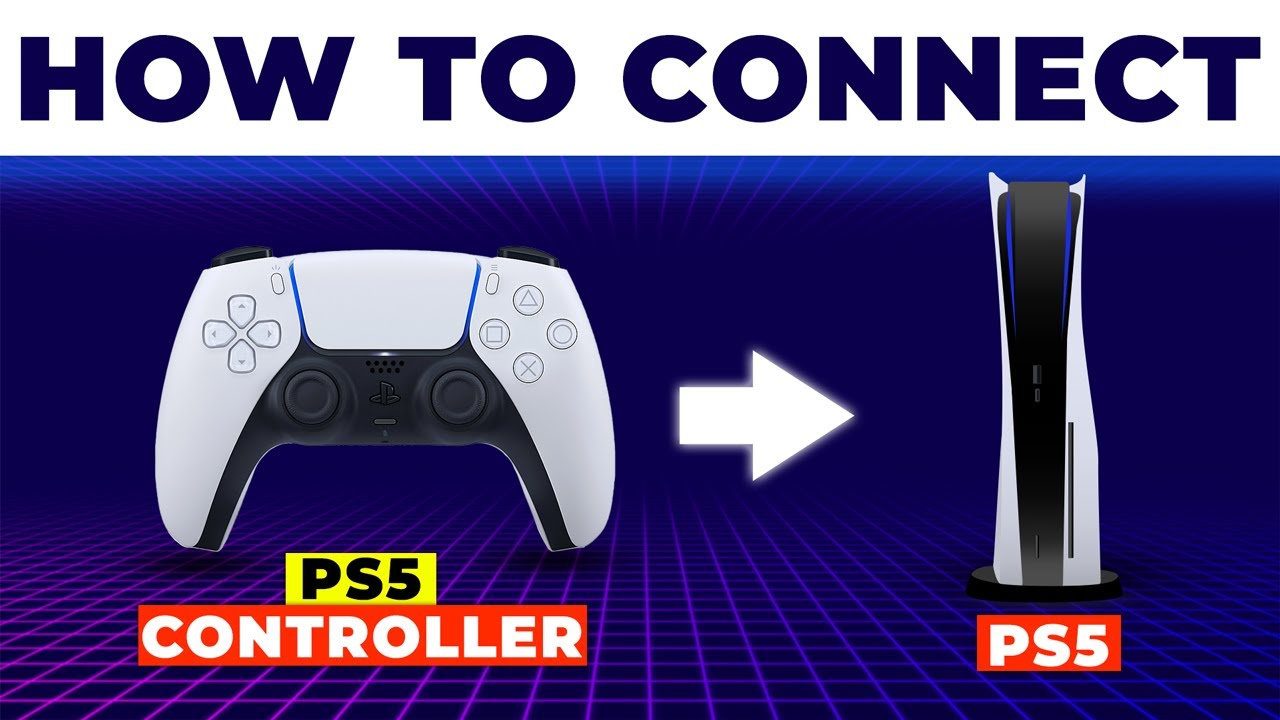 How To Connect PS5 Controller To PS5 (How To Pair PS5 Controller With
Controller Profile
Did you know you can give your DualSense a name? That's right, it's like naming your pet. Head to Settings > Accessories > Controllers, and you can give your controller a unique name. How cool is that?
Vibration and Trigger Effects
Remember when we said the DualSense has some seriously cool features? Here's one of them: adaptive triggers and haptic feedback. In other words, it vibrates and makes things feel all sorts of fancy.
But here's the kicker - it's not just your average vibration. It's adaptive. That means it can change the resistance of the triggers based on what you're doing in-game. Like, if you're driving a car, the gas trigger will feel different than the brake. Mind. Blown.
And the haptic feedback? It's like having a tiny massage therapist in the palm of your hands. It can simulate all sorts of textures and sensations, making your gaming experience even more immersive.
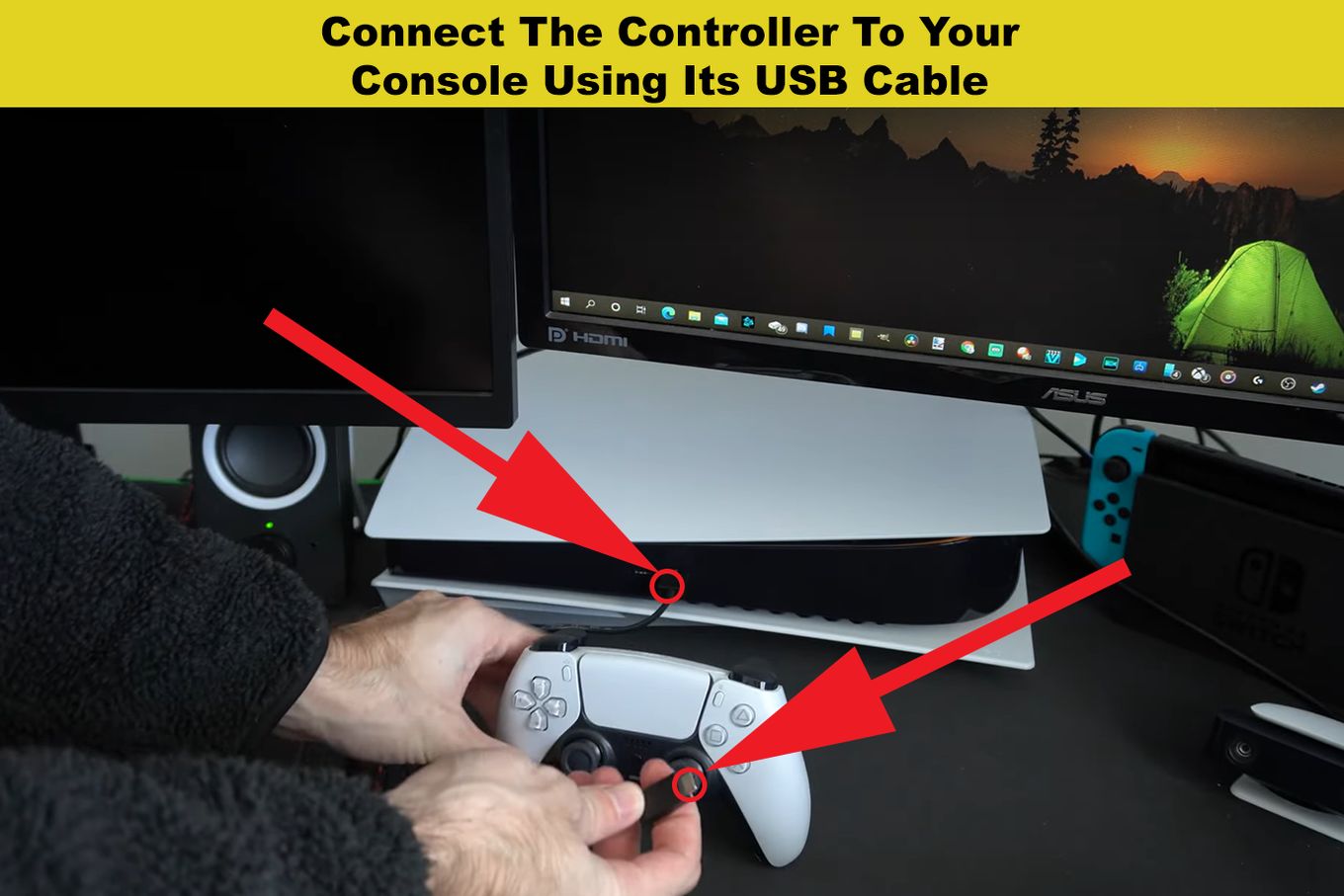 How to Connect PS5 Controller to PS5 [Step By Step] - Alvaro Trigo's Blog
Troubleshooting: When Things Go Awry
Alright, so you've tried everything, but your DualSense just won't connect. Don't panic! Let's troubleshoot.
First, make sure your controller is charged. If it's not, plug it in and give it a little juice. If it's already charged, try turning off your PS5 and then turning it back on again. Sometimes, a simple restart is all it takes.
If you're still having trouble, try connecting your DualSense using a USB cable. Plug it directly into your PS5, and it should connect automatically. If it doesn't, it might be time to reach out to Sony's support team. They're always ready to help!
And That's a Wrap!
And there you have it! Your DualSense is now connected to your PS5, and you're ready to dive into the world of next-gen gaming. Isn't technology just the best?
So go ahead, grab your controller, and let the games begin. And remember, if you ever have any questions, we're always here to help. Happy gaming!
