What Is A Server Address In Minecraft

Ever found yourself in the vast, blocky world of Minecraft, wondering how to connect with your friends or access your favorite server? You've probably heard the term 'server a...
Ever found yourself in the vast, blocky world of Minecraft, wondering how to connect with your friends or access your favorite server? You've probably heard the term 'server address' thrown around, but what does it actually mean? Let's dive in, no technical jargon promised!
What's a Server Address, Anyway?
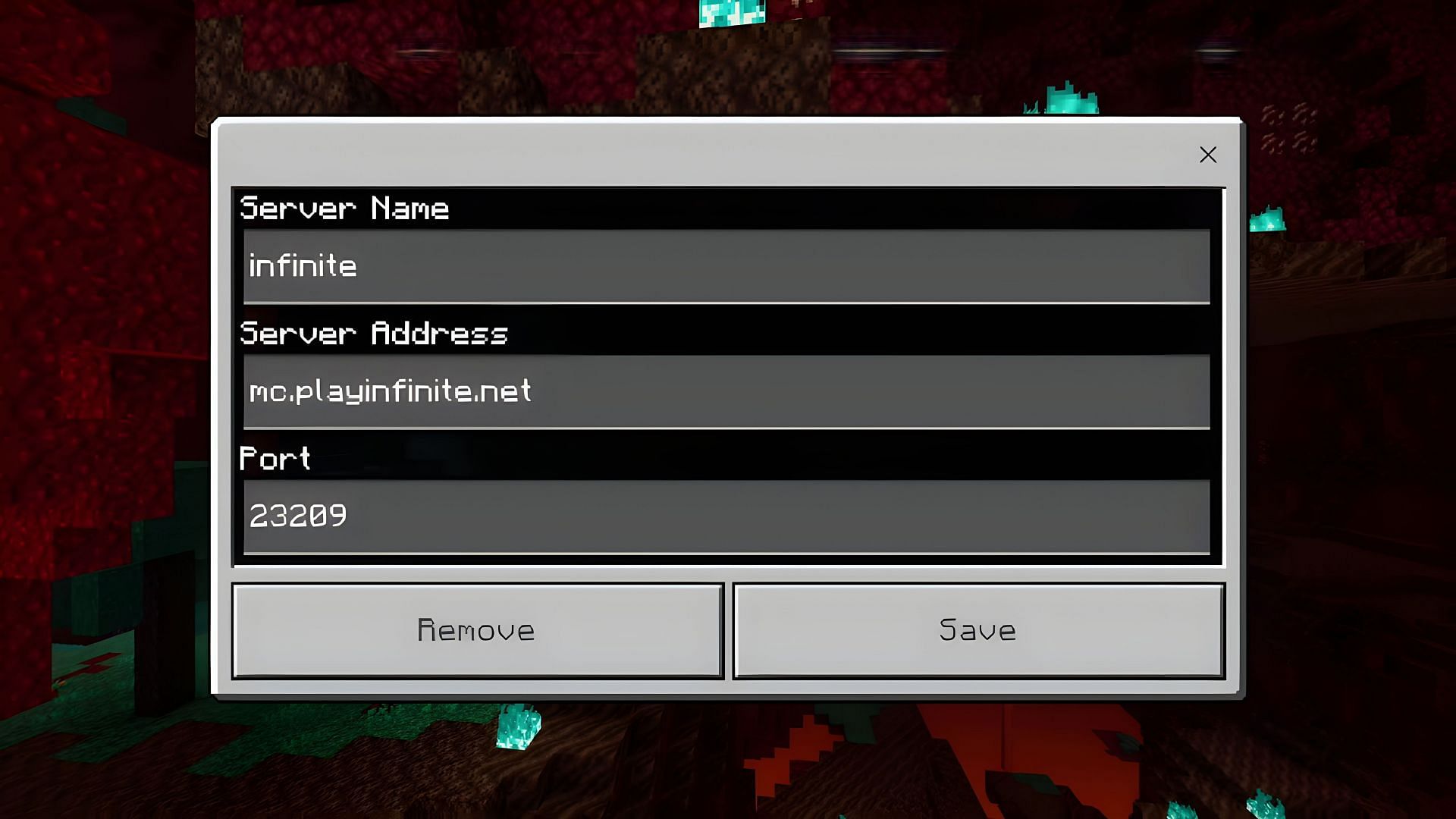
In simple terms, a server address in Minecraft is like the street address of a digital house. It's a unique combination of numbers and letters that helps your game find and connect to the server you want to join. Imagine it as the GPS coordinates that guide your game to the right 'neighborhood' in the Minecraft universe.
Here's a fun fact: The first Minecraft server address was '216.99.185.41', created by Notch, the game's original developer. It's like the first house on the block, setting the standard for all the servers that followed.
Must Read
How to Find Your Server Address
Now, let's get practical. If you're running your own server, you'll need to find its address to share with your friends. Here's a step-by-step guide:
- Open your server's command prompt or terminal.
- Type ip config and press Enter. This will display your server's IP address.
- To find your server's port number, look for the line that says listening on followed by a series of numbers (e.g., 0.0.0.0:25565). The number after the colon is your port number.
Put them together (e.g., 213.123.123.123:25565) and you've got your server address!
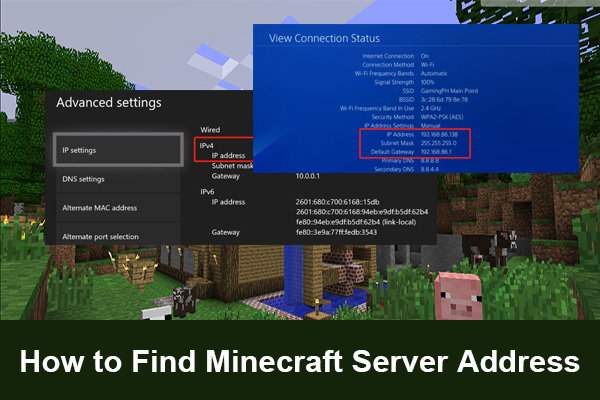 How to Find Minecraft Server Address on PC/PS4/Xbox? [Full Guide
Connecting to a Server
Now that you've got your server address, it's time to connect. Here's how:
- Open Minecraft and go to the Multiplayer tab.
- Click on Add Server.
- In the Server Address field, type or paste your server address.
- Give your server a name (optional but fun!), then click Done.
- Select your server from the list and click Join Server.
Et voilà! You're now connected to your server, ready to explore and build with friends.
 How To Connect To Your Minecraft Server
Server Addresses in Pop Culture
Minecraft's influence extends beyond gaming. In the TV show The Big Bang Theory, characters have been known to reference Minecraft servers. In one episode, Raj even tries to impress a woman by claiming he's the admin of a popular server. Spoiler alert: It doesn't go as planned!
Reflection: Connecting in the Real World
Server addresses in Minecraft might seem like a far cry from our daily lives, but they're actually a great reminder of the power of connection. Just like a server address helps us find our way in the digital world, our addresses, phone numbers, and social media handles help us connect with people in the real world. So, the next time you're typing in a server address, think about the connections you're making - both in the game and out.
Happy mining, and until next time, keep your server addresses handy!
