How To Get Back Whatsapp Deleted Chat

Alright, folks, imagine this: You're mid-conversation on WhatsApp, life's happening, you're laughing, sharing, and then BAM! Your phone slips, takes a dive, and next thing you...

Alright, folks, imagine this: You're mid-conversation on WhatsApp, life's happening, you're laughing, sharing, and then BAM! Your phone slips, takes a dive, and next thing you know, your chat history's gone. Poof! Vanished into the digital ether. It's like losing your favorite book right before the cliffhanger. Not cool, right?
But hold onto your hats, because we're about to dive into a little-known secret that could make your day. You might just be able to get back those deleted WhatsApp chats. Yes, you heard it right. It's like finding your lost book in the library's dusty corners. Let's get started!
First Things First: Backups, Your New Best Friend
Backups are like your personal time-travel machine. They take a snapshot of your chats and save them for a rainy day. WhatsApp, being the thoughtful app it is, offers automatic backups. But here's the catch - they're not enabled by default. So, let's change that!
Must Read
To enable automatic backups, head over to Settings > Chats > Chat Backup. You can choose to back up your chats daily, weekly, or monthly. And if you're really paranoid (like me when I'm binge-watching a series), you can back up your chats right now by tapping on Back Up Now.
Now, you might be wondering, "What if I've already deleted my chats? Can I still get them back?" The answer is yes, but it depends on when you deleted them and when your last backup was taken. Think of it like this: If you deleted your chats yesterday and your last backup was a week ago, you're out of luck. But if it was yesterday morning and your backup was taken yesterday afternoon, you're golden!
 How To Recover Deleted WhatsApp Chat - Top Methods
Recovering Your Chats: A Step-by-Step Guide
Alright, so you've realized you've deleted your chats and you've got a backup. Here's how you can restore them:
- Uninstall and then reinstall WhatsApp.
- Verify your phone number when prompted.
- When asked if you want to restore your chats from a backup, tap Restore.
- Wait for WhatsApp to restore your chats. This could take a while, so be patient!
And there you have it! Your chats should be back, safe and sound. It's like they never left. But remember, this only works if you've got a backup. So, don't forget to enable automatic backups to avoid this drama in the future.
But Wait, There's More!
What if you've got an iPhone and you use iCloud for backups? WhatsApp can restore your chats from iCloud too! Here's how:
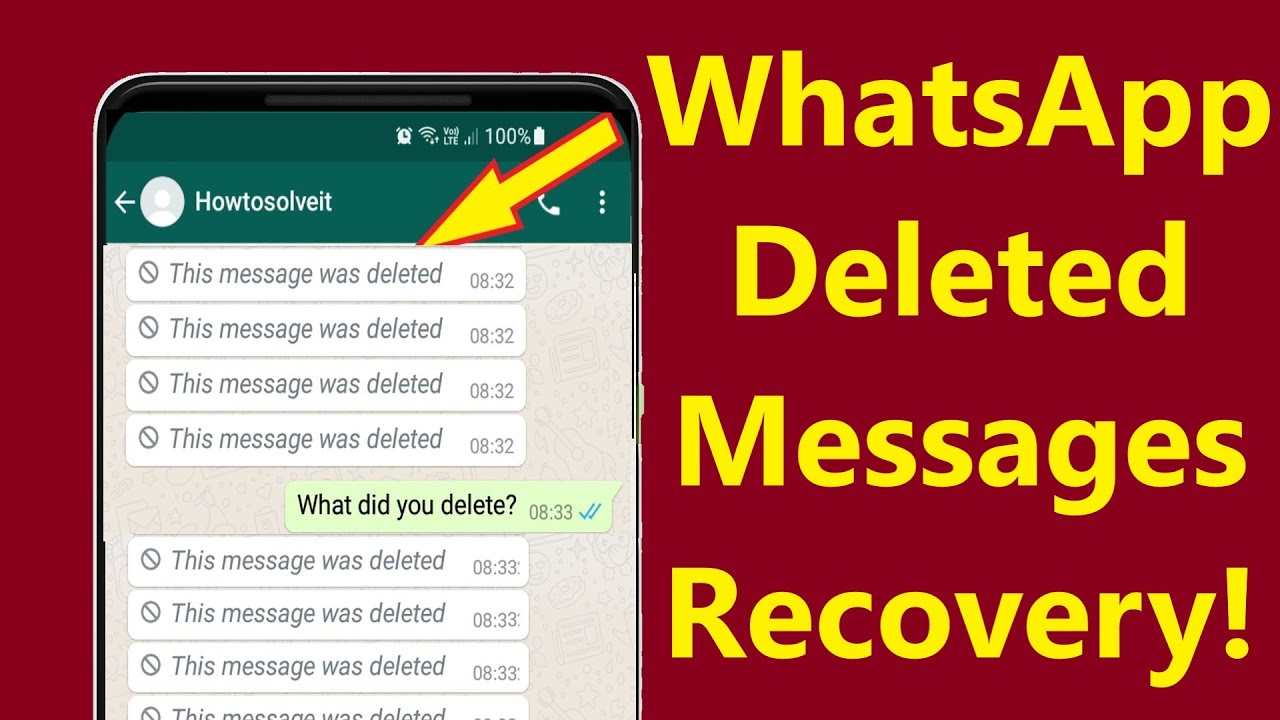 WhatsApp deleted messages recovery whatsapp delete chat recovery
- Uninstall and then reinstall WhatsApp.
- Verify your phone number when prompted.
- When asked if you want to restore your chats from iCloud, tap Restore Chat History.
- Wait for WhatsApp to restore your chats from iCloud.
And just like that, your chats are back. It's like they never left. But remember, this only works if you've got a backup in iCloud. So, make sure you've enabled iCloud backups in your Settings > iCloud.
Why Should You Care?
Alright, so why should you care about getting back your deleted WhatsApp chats? Well, apart from the obvious - like not losing all those hilarious memes your friends sent - there's more to it.
WhatsApp chats often contain important information. Think of those flight tickets, hotel bookings, or even that important document your colleague sent. Losing these can be a real pain. But with backups, you can rest easy knowing you've got a safety net.
 How To Recover Deleted Chats On WhatsApp (2024) || Recover Deleted
Plus, think of all the funny, sweet, and memorable conversations you've had on WhatsApp. Losing them is like losing a piece of your shared history with your friends and family. And who wants that?
So, What Are You Waiting For?
Go on, enable those backups. Make sure your chats are safe. Because let's face it, losing your WhatsApp chats is like losing a piece of your digital life. And we don't want that, do we?
And remember, folks, prevention is always better than cure. So, keep your chats safe. Because you never know when you might need them back. Until next time, stay chatty and stay safe!
