How To Turn Iphone To Black And White

Grayscale Glamour: How To Turn Your iPhone To Black And White Ever felt like your iPhone's vibrant display is a tad too... vibrant? Like you're craving a bit of that old-scho...

Grayscale Glamour: How To Turn Your iPhone To Black And White
Ever felt like your iPhone's vibrant display is a tad too... vibrant? Like you're craving a bit of that old-school, film-noir charm? Well, you're in luck. Your iPhone has a secret power: it can transform into a sleek, monochromatic masterpiece with just a few taps. Let's dive in and make your iPhone the new Citizen Kane of smartphones.
Why Go Grayscale?
First things first, why would you want to turn your iPhone to black and white? For starters, it can help reduce eye strain, especially in low-light conditions. Plus, there's something undeniably cool about a monochromatic screen. It's like giving your iPhone a sophisticated makeover, turning it into a sleek, minimalist device that's ready for its close-up.
And let's not forget the cultural cachet. From Schindler's List to The Artist, black and white has always been associated with art, elegance, and timelessness. So, why not bring a touch of that cinematic magic to your daily life?
Must Read
How To Do It
Alright, enough with the why. Let's get to the how. Turning your iPhone to black and white is a breeze. Here's a step-by-step guide:
- Open the Settings app on your iPhone.
- Scroll down and tap on Accessibility.
- Tap on Display & Text Size.
- Under the Vision section, you'll see Color Filters. Tap on it.
- Tap on the Color Filters toggle at the top to turn it on.
- Under the Color Filters section, tap on Grayscale.
- And there you have it! Your iPhone is now a monochromatic marvel.
To turn it back to color, just follow the same steps and tap on Color Filters toggle to turn it off.
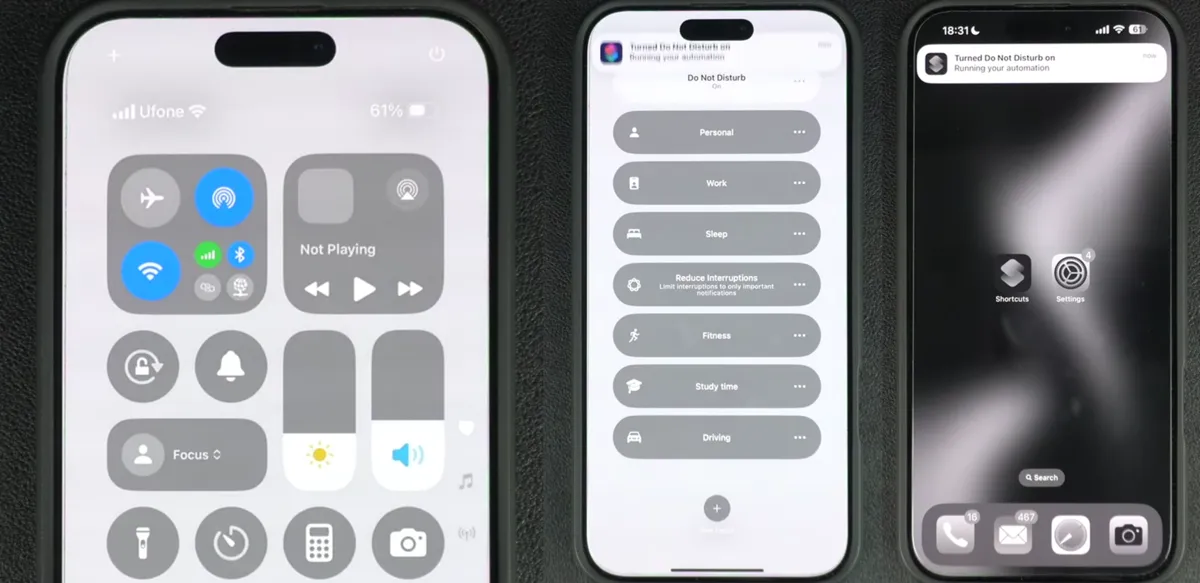 How To Change iPhone To Black And White Step-By-Step
Fun Fact: The iPhone's Grayscale Mode Has A Secret
Did you know that the iPhone's grayscale mode isn't just about aesthetics? It's also a useful tool for people with color blindness. The iPhone's grayscale mode can help users with certain types of color blindness see their screen more clearly. So, not only does it make your iPhone look like a million bucks, but it also makes it more accessible. Now that's what we call a win-win.
Reflection: The Power Of Simplicity
In a world that's constantly screaming for our attention with its vibrant colors and flashing lights, there's something deeply satisfying about simplifying our digital lives. Turning your iPhone to black and white is more than just a visual change; it's a statement. It's a reminder that sometimes, less is more. That we don't need all the bells and whistles to appreciate the beauty in the world around us. So, go ahead, give it a try. You might just find that the power of simplicity is the most vibrant thing of all.
