Is There Virus Protection For Iphone

Ever found yourself swiping through your iPhone, wondering if it's as secure as it feels? Well, let's dive into the world of iOS and find out if there's a digital fortress pro...
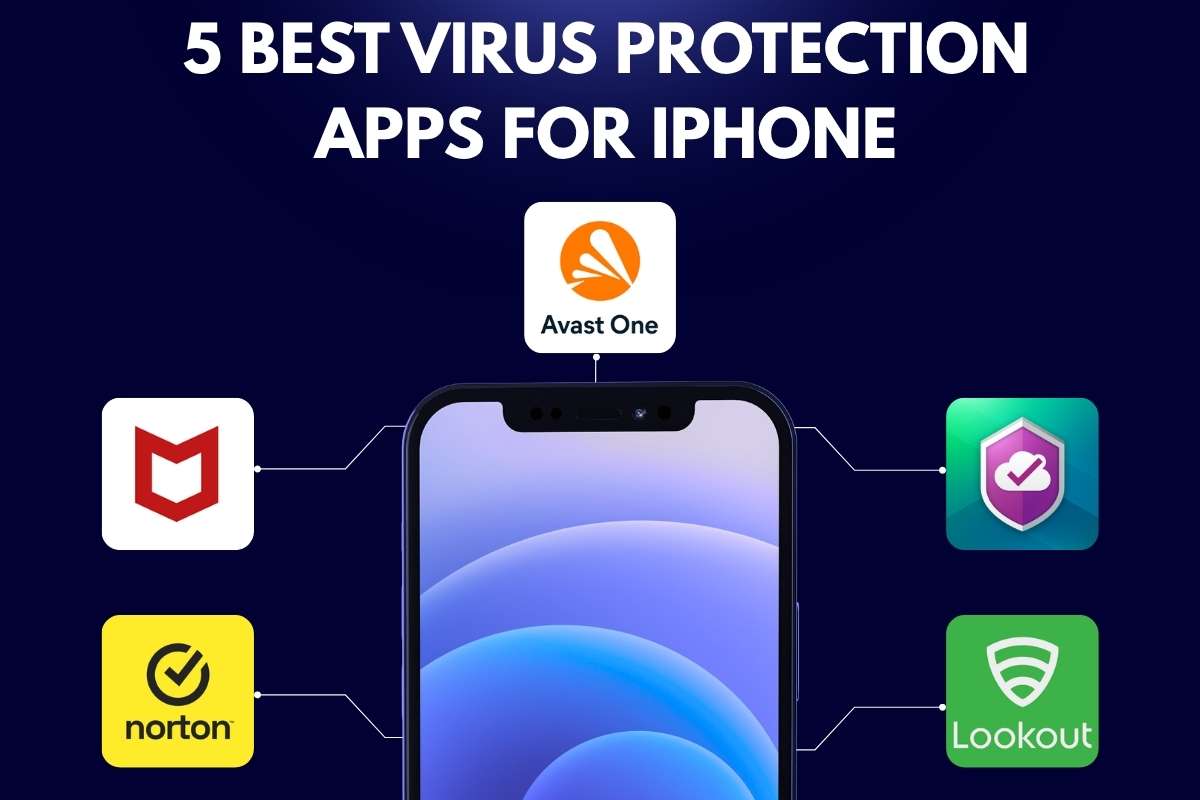
Ever found yourself swiping through your iPhone, wondering if it's as secure as it feels? Well, let's dive into the world of iOS and find out if there's a digital fortress protecting your precious data. Buckle up, tech enthusiasts!
Apple's Walled Garden
First things first, Apple's iOS is known for being a bit of a control freak. It's not as open as its Android cousin, which can be both a blessing and a curse. But when it comes to security, it's like the Fort Knox of operating systems.
Think of it like this: Apple's App Store is the bouncer at an exclusive club. It only lets in apps that have been thoroughly vetted. No sketchy characters allowed! And once an app is in, it's constantly monitored. It's like having a personal bodyguard for your iPhone.
Must Read
Virus Protection: The iOS Way
Now, you might be wondering, "Does my iPhone need antivirus software?" The short answer is, not really. Apple has built-in security features that make it pretty tough for viruses to sneak in. It's like having a built-in immune system.
Here's a fun fact: Unlike Windows computers, iPhones don't have a file system that viruses can crawl through. Plus, iOS apps run in a sandbox, meaning they can't interfere with each other. It's like having separate, secure rooms for each app.
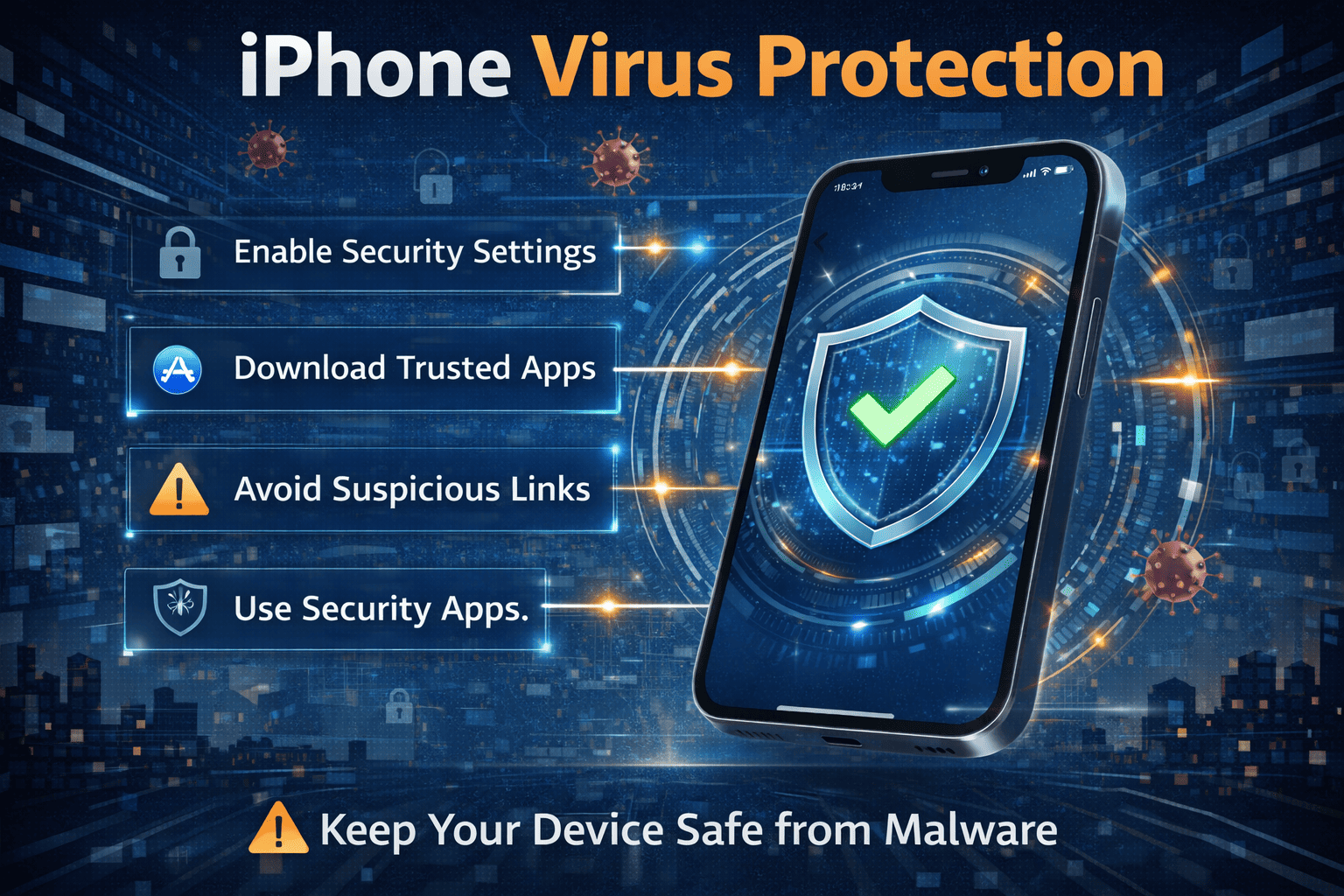 iPhone Virus Protection | Core Components of iPhone Security
iOS 14's New Security Features
Apple's latest iOS update, iOS 14, has some neat new security features. There's something called App Tracking Transparency, which means apps have to ask for your permission before they track your activity. It's like having a personal privacy bodyguard.
And get this, iOS 14 also has a feature called Security Recommendations. It's like having a digital security coach that suggests ways to make your iPhone even more secure. How's that for a personal trainer?
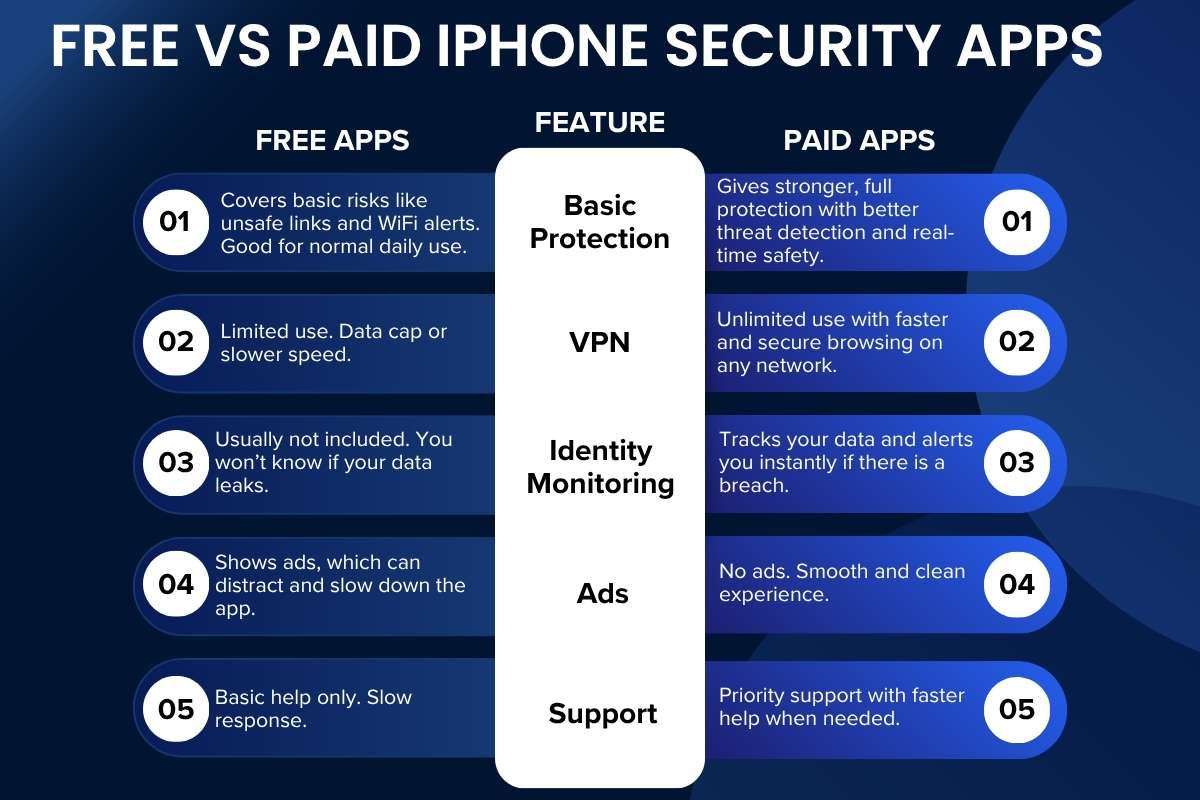 The Best Virus Protection for iPhone You Should Not Ignore in 2026
Practical Tips for iPhone Security
While iOS does a great job at keeping your iPhone secure, there are still some things you can do to beef up that security. Let's dive into some practical tips:
- Keep Your iPhone Up-to-Date: Apple regularly releases software updates that include security patches. It's like getting a regular check-up for your iPhone.
- Use Two-Factor Authentication: This adds an extra layer of security to your iPhone. It's like having a secret handshake that only you and your iPhone know.
- Be Cautious of Public Wi-Fi: While it's tempting to jump on that free Wi-Fi at your local coffee shop, it's a good idea to use a VPN to protect your data. It's like having a secret tunnel that only you can use.
Reflection: Security in Daily Life
In a world where our lives are increasingly digital, security is more important than ever. It's not just about protecting our iPhones, but also about protecting our personal data and privacy. So, let's all do our part to stay secure, whether it's updating our software, using strong passwords, or being cautious of public Wi-Fi.
After all, our digital lives are as important as our real lives. And just like we lock our doors at night, we should also lock down our digital fortresses. So, let's stay secure, stay informed, and keep our iPhones safe. Because at the end of the day, it's our data, and we should be the ones in control.
