Why Does Spotify Keep Pausing My Music

So, there I was, minding my own business, grooving to my favorite playlist on Spotify, when suddenly, my music paused. I mean, I wasn't even dancing too enthusiastically, just...
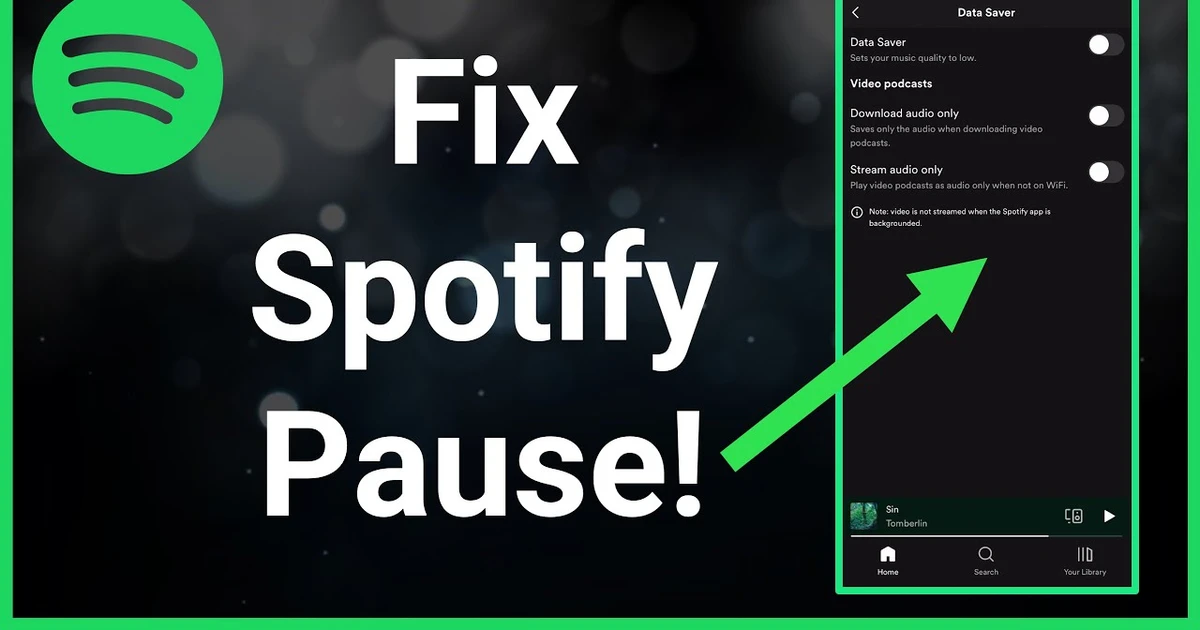
So, there I was, minding my own business, grooving to my favorite playlist on Spotify, when suddenly, my music paused. I mean, I wasn't even dancing too enthusiastically, just a subtle head bob here and there. I hit play, and it started again. A minute later, pause. Play. Pause. It was like trying to have a conversation with someone who keeps interrupting you, but with less charm and more frustration.
I'm sure you've been there, right? You're in the zone, lost in the music, when suddenly, Spotify decides to take a coffee break. It's enough to make you want to throw your phone across the room (please don't, they're expensive). But why does this happen? Is Spotify playing some sort of musical whack-a-mole with our patience?
Why the Pause-athon?
First things first, let's address the elephant in the room. No, Spotify isn't secretly trying to ruin your workout playlist. There are a few reasons why your music might be pausing unexpectedly.
Must Read
Connection Issues
Spotify, like any other streaming service, needs a stable internet connection to work its magic. If your connection is dodgy, Spotify might pause to buffer, then resume once it's got enough data. It's like when you're trying to watch a movie on a bad connection, and it keeps pausing to load. Annoying, but not Spotify's fault.
If you're on a mobile device, try switching to Wi-Fi or turning off other apps that might be using data. If you're on Wi-Fi, try moving closer to your router. If none of that works, it might be time to call your internet service provider and give them a piece of your mind (politely, of course).
 How to Fix Spotify Keep Pausing | Sidify
App Glitches
Sometimes, the app itself might be the culprit. Spotify, like any other app, can have glitches. It could be a problem with the app itself, or it could be a problem with your device. Try closing the app and reopening it. If that doesn't work, try restarting your device. If the problem persists, it might be time to update the app or even reinstall it.
If you're using an older version of the app, it might not be compatible with your device's operating system. Make sure you're using the latest version of the app and that your device's software is up to date.
 Why Does Spotify Keep Pausing? | Fix It Now | Marketing Median
Background App Refresh
If you're using an iOS device, the Background App Refresh feature might be causing your music to pause. This feature allows apps to refresh their content in the background, but it can also cause apps to use more battery and data.
To turn off Background App Refresh for Spotify, go to your device's Settings, then General, then Background App Refresh. From there, you can either turn off Background App Refresh entirely or just for Spotify.
 How To Fix Spotify Keeps Pausing & Stopping (PC) - YouTube
What Can You Do?
If you've tried all of the above and your music is still pausing unexpectedly, it might be time to contact Spotify's customer service. They might be able to help you troubleshoot the problem or even find a fix that's specific to your device.
In the meantime, you could try using Spotify's web player instead of the app. It might not have all the same features, but it might be more stable. You could also try using a different streaming service, just to see if the problem persists. But let's be real, once you've found your musical soulmate, it's hard to move on.
So, there you have it. Hopefully, this has helped you figure out why your music keeps pausing on Spotify. And if not, well, at least you've got some new music to listen to while you troubleshoot. Happy listening!
